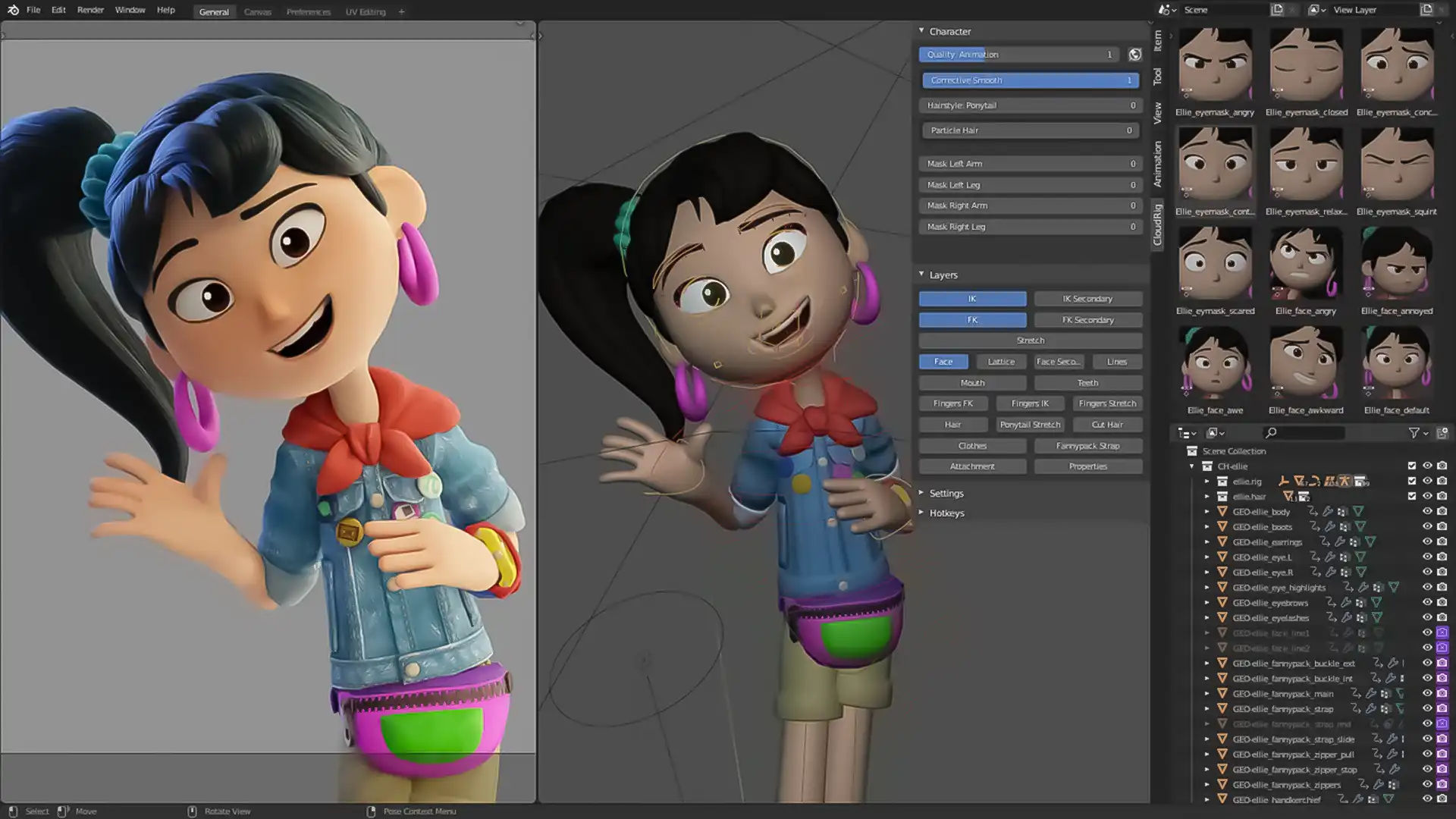
Blender Animation Course (English)
Course Content
Section 1: Fundamentals of Animation & Blender Interface
-
How To Download And Install Blender
-
Class 1: Introduction to Blender Animation & Industry Uses
-
Class 2: Interface Overview – Timeline, Dope Sheet, Graph Editor
-
Class 3: Keyframe Animation Basics – Location, Rotation, Scale
-
Class 4: Interpolation Types – Linear, Constant, Bezier
-
Class 5: Timeline Navigation & Playback Tools
-
Class 6: Using the Dope Sheet – Editing Timing and Keys
-
Class 7: Graph Editor – Easing, Handles & Fine Control
-
Class 8: Working with Collections & Object Hierarchy
-
Class 9: Camera Animation Basics – Tracking & Panning
-
Class 10: Project 1 – Animate a Bouncing Ball with Squash & Stretch
Section 2: Object, Camera & Path Animation Techniques
Section 3: Character Animation & Rig Control
Section 4: Advanced Animation, Polish & Projects
Final Test
Give Us Your Feedback And Suggestions
On Demand Lessons
Software & Industry Updates
Earn a certificate
Add this certificate to your resume to demonstrate your skills & increase your chances of getting noticed.