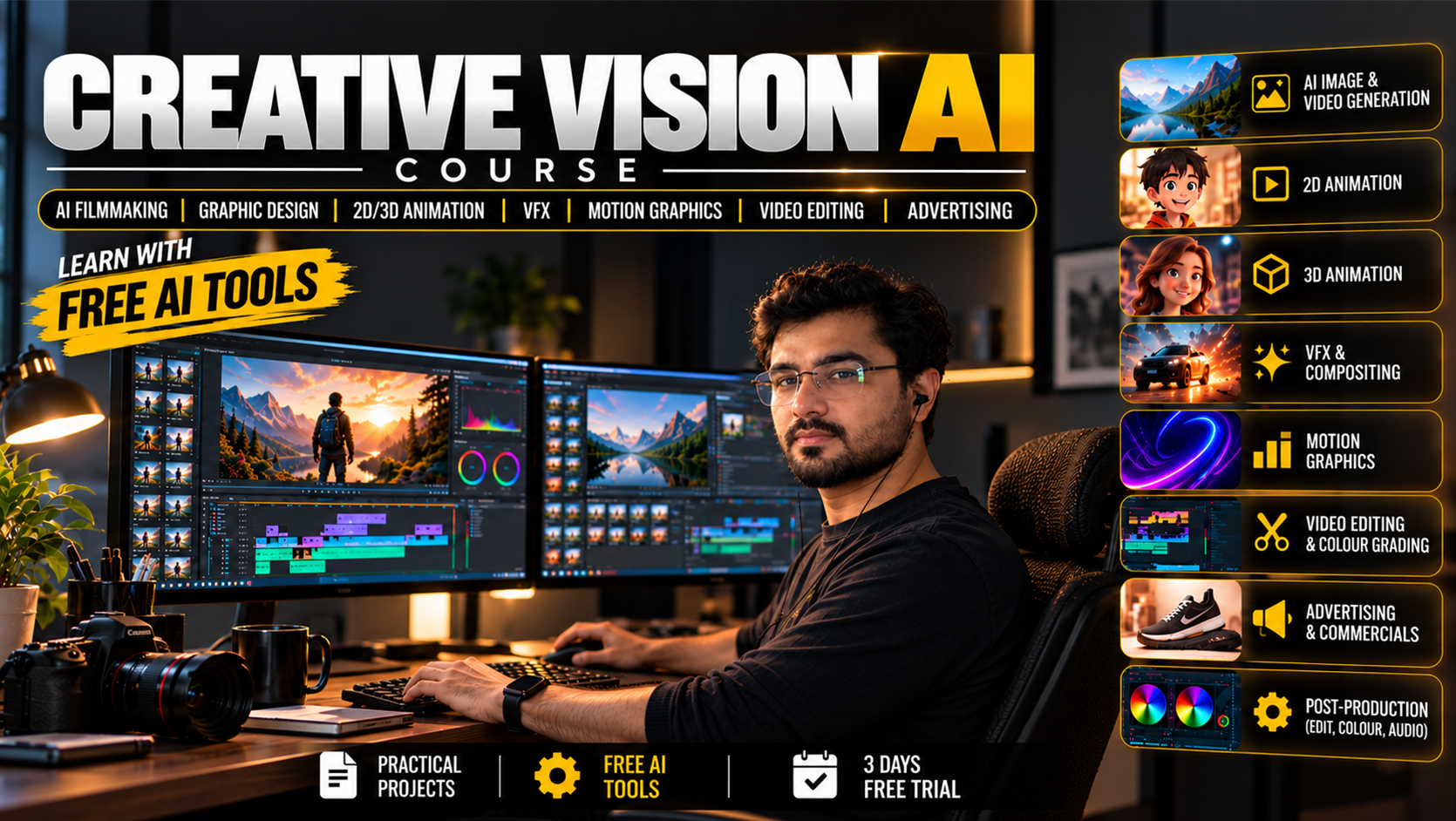
Creative Vision AI – Films, Ads, Graphic Design, Animation, VFX And Editing
About Course
Mastering the Ultimate ai film making course at Animix World
Welcome to Animix World where you can master graphic design and dynamic motion graphics. If you want to step into modern digital production, our ai film making course gives you the right foundation. Alongside it, the advanced ai vfx course transforms how you handle visual effects and digital media today.
Table of Contents
Explore endless creative possibilities with us. Unlock your artistic potential and build a strong digital portfolio. Blender Animation Course (Hindi) brings you closer to mastering vector art and InDesign.
Vector elements are the backbone of modern visuals. Through focused lessons, you will craft stunning logos and icons with precision. Learn how to manipulate paths and prepare assets for various mediums.
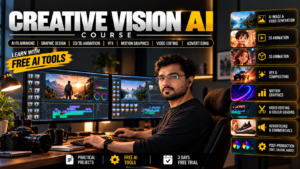
Elevate Your Skills With Our ai vfx course
Static images are powerful, but movement brings stories to life. Discover fundamentals to captivate your Course Designed Especially For… easily. Animix World helps you master pixel-based workflows and vector design.
Combine your visual assets with time-based effects. Adobe After Effects Course (Hindi) offers great supplementary insights for motion design. Modern projects demand great versatility from every digital creator.
Movement and style go hand in hand seamlessly. Explore advanced concepts in motion design to deliver professional visual experiences. Understand how to integrate typography and graphics into video timelines smoothly.
Stay ahead of industry trends by refining your animation techniques consistently. Every assignment helps you grow as a confident artist. Practice regularly to gain absolute confidence in your visual storytelling.
Comprehensive Digital Design And Animation
Expand your horizons beyond standard formats with our structured modules. Dive into digital design principles that govern modern interfaces and media. Explore 3d the course to add depth and realism to your artistic projects.
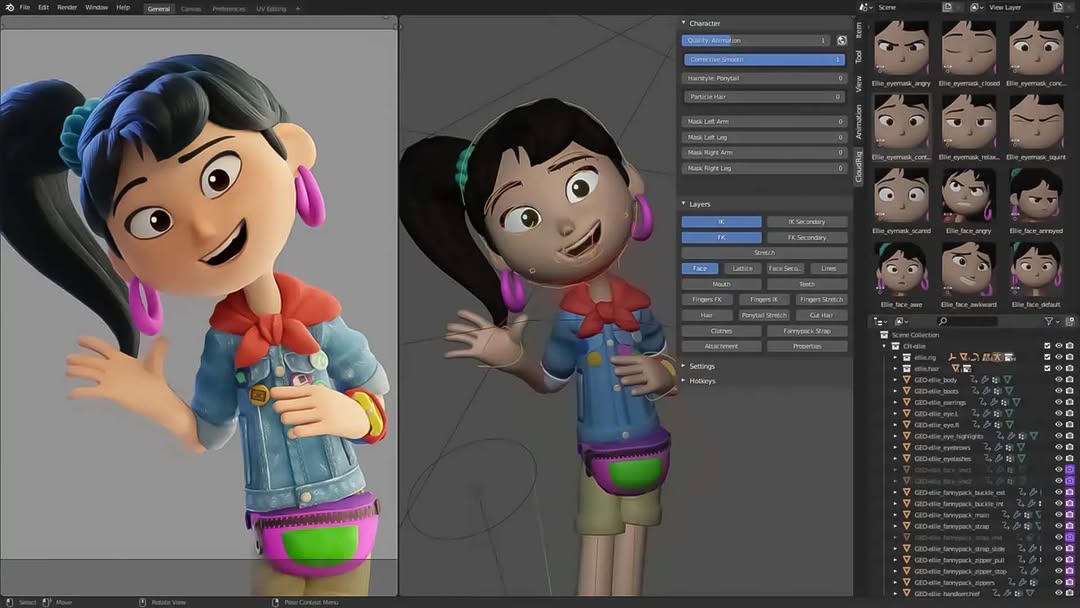
Understand depth and perspective in your daily practice. Build realistic models and textures for your scenes. 3D Animation Film Making Course (Hindi) provides deeper knowledge for aspiring filmmakers.
Pixel-based manipulation is crucial for modern media. Through structured modules, you will refine photos and create stunning layouts. Advertisement design projects become easier with these digital editing skills.
Every artist benefits from mastering pixel-based workflows. Combine these techniques with your vector assets for complete campaigns. Build clean vectors that are essential for your creative workflow every day.
Professional Branding And Motion Graphics
Create cohesive brand identities that stand out everywhere. Learn branding strategies to develop logos and color palettes. Combine these with motion graphics animation for complete campaigns.
Every brand tells a unique story visually. Ensure consistency across all digital touchpoints today. Digital designers rely heavily on these core principles.
Access your lessons from anywhere at your own pace. The online format ensures you never miss a core concept. Revisit complex tutorials whenever you need a refresher.
Having the right setup makes a major difference in productivity. Optimize your computer for smooth rendering and editing. Ensure your system meets software Course Requirements for seamless performance.
Why Choose Animix World For Your Creative Journey
Your portfolio is your biggest asset in the creative world. Compile your best visual pieces into a polished showcase. Demonstrate your technical skill to anyone viewing your work.
Animix World is dedicated to nurturing creative talent through structured learning. Join a community of passionate learners and elevate your artistic career today. You can read more about creative trends on AI in art.
Connecting with peers boosts your artistic growth. If you are searching for a creative community, online collaboration bridges the gap. Share your work globally from your workstation.
Finding a reliable community helps you stay motivated. Explore virtual groups to discuss your freelance design goals and services. Showcase your projects on a personal hub to attract clients everywhere.
Additional Learning and Another ai vfx course Perspective
Web aesthetics play a major role in user engagement today. Explore the intersection of visual layout and web styling to build striking online interfaces. Balance beauty and functionality in every layout you create.
Starting fresh can feel overwhelming without proper guidance. Our beginners track breaks down complex concepts into simple steps. Build your confidence from the ground up without stress.
Take your time with each foundational exercise. Consistent daily practice yields remarkable long-term improvement. Master the secondary The course principles to excel in your career.
Course Content
Phase 1: Foundation For AI Workflow
-
Class 1 – Creative Media Overview & the Full AI Production Pipeline
00:00 -
Class 2: File Management, Naming, Versioning and Backup + Hardware, GPU/VRAM and Local AI System Requirement
00:00 -
Class 3: Image Basics (Pixels, Resolution, Aspect Ratio, Pixel Aspect Ratio, DPI/PPI, Raster vs Vector, and Bit Depth)
00:00 -
Class 4: Color Theory, Color Models and Color Spaces, Color Management, Histogram, Alpha Channel, Compression and All Image Formats
-
Class 5: Photo Craft Basics
-
Class 6: Video Basics (Frames, FPS, Resolution, Aspect Ratio, Pixel Aspect Ratio, Interlaced vs Progressive, Shutter Speed, Timecode, Color Spaces, Log, LUT, HDR, Bit Depth, Chroma Subsampling, Bitrate and Codecs)
-
Class 7: All Video Formats + Audio Basics and All Audio Formats
-
Class 8: Film Craft Basics
-
Class 9: ChatGPT, Gemini and Cloud AI Basics + Cloud AI vs Local AI: When to Use Which
-
Class 10: Prompt Engineering (Text, Image and Video Prompts)
-
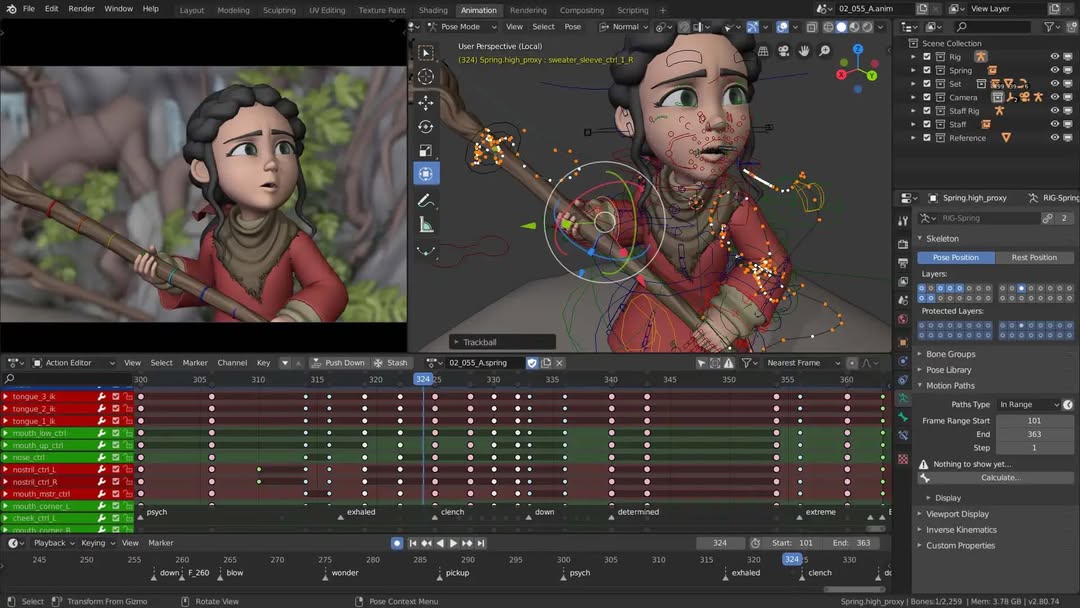
Class 11: Blender Basics and Pipeline
-
Class 12: Blender Modeling
-
Class 13: Blender UV, Texturing and Materials/Shading
-
Class 14: Blender Rigging
-
Class 15: Animation Principles
-
Class 16: Blender Camera Animation
-
Class 17: Blender Animation Basics and Animation Refinement
-
Class 18: Blender Lighting Basics, Lighting Types and Conditions
-
Class 19: Blender Rendering (Eevee/Workbench) and Compositor
-
Class 20: Blender Grease Pencil (2D Introduction) + 2D Foundation: Drawing Basics and 2D Animation Principles
-
Class 21: Install ComfyUI + Download All Models for Local AI
-
Class 22: ComfyUI Basics and Nodes Basics
-
Class 23: Image Models (SDXL, Minimax H3, Flux, Qwen-Image, etc.), Samplers and Seeds
-
Class 24: ControlNet (Pose, Depth, Canny) + IP-Adapter and Reference-Based Generation
-
Class 25: Inpainting, Outpainting and AI Image Editing + Upscaling and Face Restoration
-
Class 26: Using LoRA + LoRA Training (Character and Style)
-
Class 27: Video Models in ComfyUI (Minimax H3, Wan, LTX, AnimateDiff, etc.)
-
Class 28: Custom Nodes, Workflow Saving/Sharing and Troubleshooting
-
Class 29: AI Ethics, Copyright, Licensing and Deepfake Responsibility
Phase 2: Pre-Production With AI
Phase 3A: 3D Animation Production With AI
Phase 3B: 2D Animation Production With AI
Phase 3C: Filmmaking Production With AI
Phase 4: Post-Production and Video Editing With AI
Phase 5: VFX With AI
Phase 6: Graphic Design With AI
Phase 7: Ads and Motion Graphics With AI
Phase 8: Capstone and Business
Final Test
Final Conclusion And Career Guidance
On Demand Lessons
Software & Industry Updates
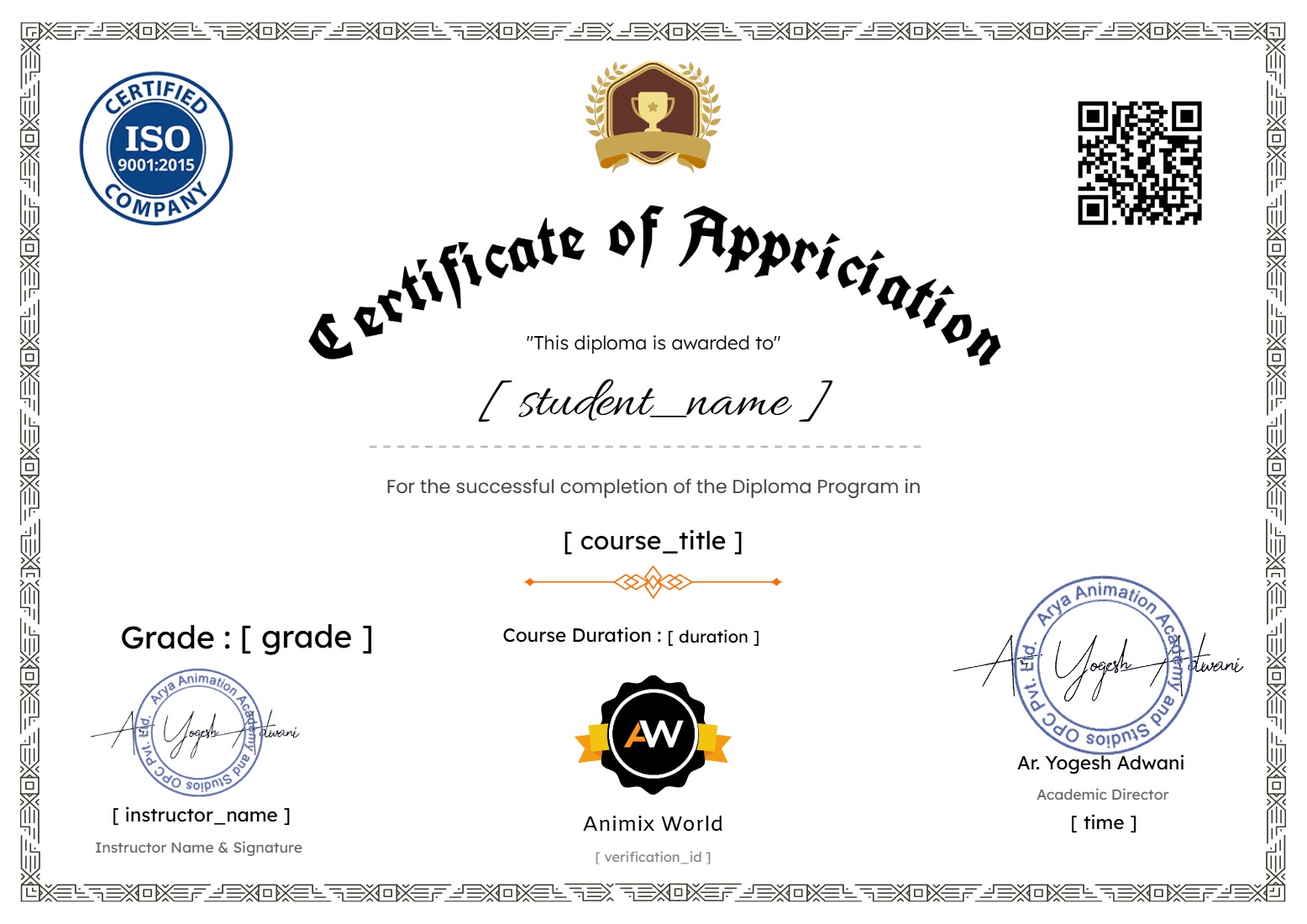
Earn a certificate
Add this certificate to your resume to demonstrate your skills & increase your chances of getting noticed.