Adobe After Effects Course (Hindi)
About Course
Master Motion Graphics with High-Quality After Effects Tutorials
Welcome to the ultimate learning platform at Animix World for high-quality after effects tutorials. This comprehensive training program provides detailed adobe after effects tutorials for every skill level. You will follow a structured adobe effects tutorial designed to help you master motion graphics from home.
Table of Contents
- Master Motion Graphics with High-Quality After Effects Tutorials
- Comprehensive Adobe After Effects Tutorials for Beginners
- How to Learn Adobe After Effects Step by Step
- Career Benefits of a Course Adobe After Effects
- Mastering the Adobe Effects Tutorial Workflow
- Why Choose Animix World for Your Course Adobe After Effects
- What You Will Achieve in This Program
Whether you want to create stunning visual effects or improve your video editing skills, this program is ideal. Our curriculum is specifically built for Hindi-speaking learners who want to excel in digital media. You will start with the basics and move toward advanced production techniques.
During this journey, you will gain the confidence to handle complex video projects with ease. The lessons focus on practical application rather than just theory. This ensures you build a professional portfolio while you study.
Comprehensive Adobe After Effects Tutorials for Beginners
If you are looking for after effects tutorials for beginners, this course offers a perfect starting point. We understand that starting new software can feel overwhelming for many students. That is why every after effects basic tutorial is explained in simple language.
The lessons cover ae for beginners by focusing on the core user interface and tools. You will learn about after effects basics such as layers, compositions, and the timeline. These fundamentals are essential for any aspiring motion designer or editor.
To enhance your learning experience, we have included several after effects motion graphics tutorials within the modules. These exercises help you understand how to animate text and shapes effectively. You will see your progress through hands-on assignments and real-world project files.
How to Learn Adobe After Effects Step by Step
To learn adobe after effects properly, you need a structured path that builds your technical foundation. Our adobe after effects for beginners tutorials take you through the entire creative workflow. You will learn how to import assets and manage multi-layer projects.
Many students find that they learn after effects faster when they work on practical tasks. This course emphasizes the importance of consistent daily practice to master the software. You will discover how to use the speed graph for smooth animations.
If you want to learn after effects online, our flexible platform allows you to study at your own pace. This is particularly helpful for students balancing other commitments or full-time jobs. You can revisit any specific lesson whenever you need a refresher.
Career Benefits of a Course Adobe After Effects
Enrolling in a course adobe after effects opens up numerous doors in the global creative industry. Skilled motion designers are in high demand across advertising, social media, and film production. This training prepares you for professional roles in various sectors.
By completing this best after effects course, you can work as a professional video editor or VFX compositor. Many of our students also choose to become independent freelance creators. This allows you to take on global projects from the comfort of your home.
You can even expand your skills by exploring the Adobe Photoshop Online Course (Hindi) to improve your design assets. Having a diverse skill set makes you more valuable to potential employers and clients. Professional training is the fastest way to reach your career goals.
Mastering the Adobe Effects Tutorial Workflow
A professional adobe effects tutorial focuses on optimizing your rendering and production speed. You will learn how to handle complex visual effects (VFX) and cinematic enhancements. This technical knowledge is vital for producing high-end video content.
- Mastering keyframe animation and motion principles.
- Understanding video compositing and layer management.
- Creating dynamic transitions and logo reveals.
- Optimizing projects for faster rendering and export.
- Applying advanced visual effects and color grading.
Working through these lessons helps you solve common production challenges. You will learn how to troubleshoot errors and manage large project files efficiently. This workflow knowledge is what separates beginners from industry professionals.
For those interested in 3D production, you might also consider the 3D Animation Film Making Course (Hindi) for your portfolio. Combining 2D motion graphics with 3D animation creates a powerful visual impact. You can read more about official software updates on Adobe After Effects.
Why Choose Animix World for Your Course Adobe After Effects
Animix World offers a unique learning environment for ambitious video creators and visual artists. Our course adobe after effects provides lifetime access to all training materials and updates. This ensures you always stay current with the latest industry standards.
We provide clear adobe after effects tutorials that bridge the gap to professional production. You will receive practical assignment reviews to help you improve your creative execution. Our goal is to help you build a strong technical foundation.
If you want to design custom vector assets for your animations, check out the Adobe Illustrator Online Course (Hindi). Learning how to create assets in Illustrator will significantly improve your motion graphics workflow. This holistic approach to learning ensures you have all the necessary tools.
What You Will Achieve in This Program
By following our The tutorials, you will develop the skills needed for the modern job market. You will move from understanding after effects basics to creating complex visual stories. The program is designed to build your confidence step by step.
- Build a professional portfolio with real-world projects.
- Master the industry-standard software for motion design.
- Learn advanced animation techniques and visual effects.
- Gain the flexibility to work as a freelancer or in an agency.
- Develop a deep understanding of production workflows.
This training is the ideal choice for anyone who wants to learn adobe after effects in Hindi. The structured guidance ensures you never feel lost during your creative journey. Enroll now and start building your future in the world of motion graphics.
Whether you are an absolute beginner or an intermediate learner, this course has something for you. Each adobe effects tutorial is updated to reflect current trends and techniques. Join our community of creators and start your professional journey today.
Mastering the tools in these The tutorials will give you a competitive edge. You will learn how to manipulate time, space, and color to tell compelling stories. Our expert guidance makes complex concepts easy to grasp for everyone.
The adobe effects tutorial modules are designed to be engaging and interactive. You will spend more time creating and less time watching long, boring lectures. This hands-on approach is the most effective way to learn new software.
Course Content
Introduction Class
-
Class 1: Introduction to After Effects, Career Use Cases, FPS, Resolution, Pixels, db And Ratio
00:00
Section 1: Interface, Animation & Layer Control
Section 2: Motion Graphics, Text, Masks & Effects
Section 3: VFX, Tracking, Rotoscoping & Compositing
Section 4: Expressions, Plugins, Export & Final Portfolio Projects
Final Test
Give Us Your Feedback And Suggestions
On Demand Lessons
Software & Industry Updates
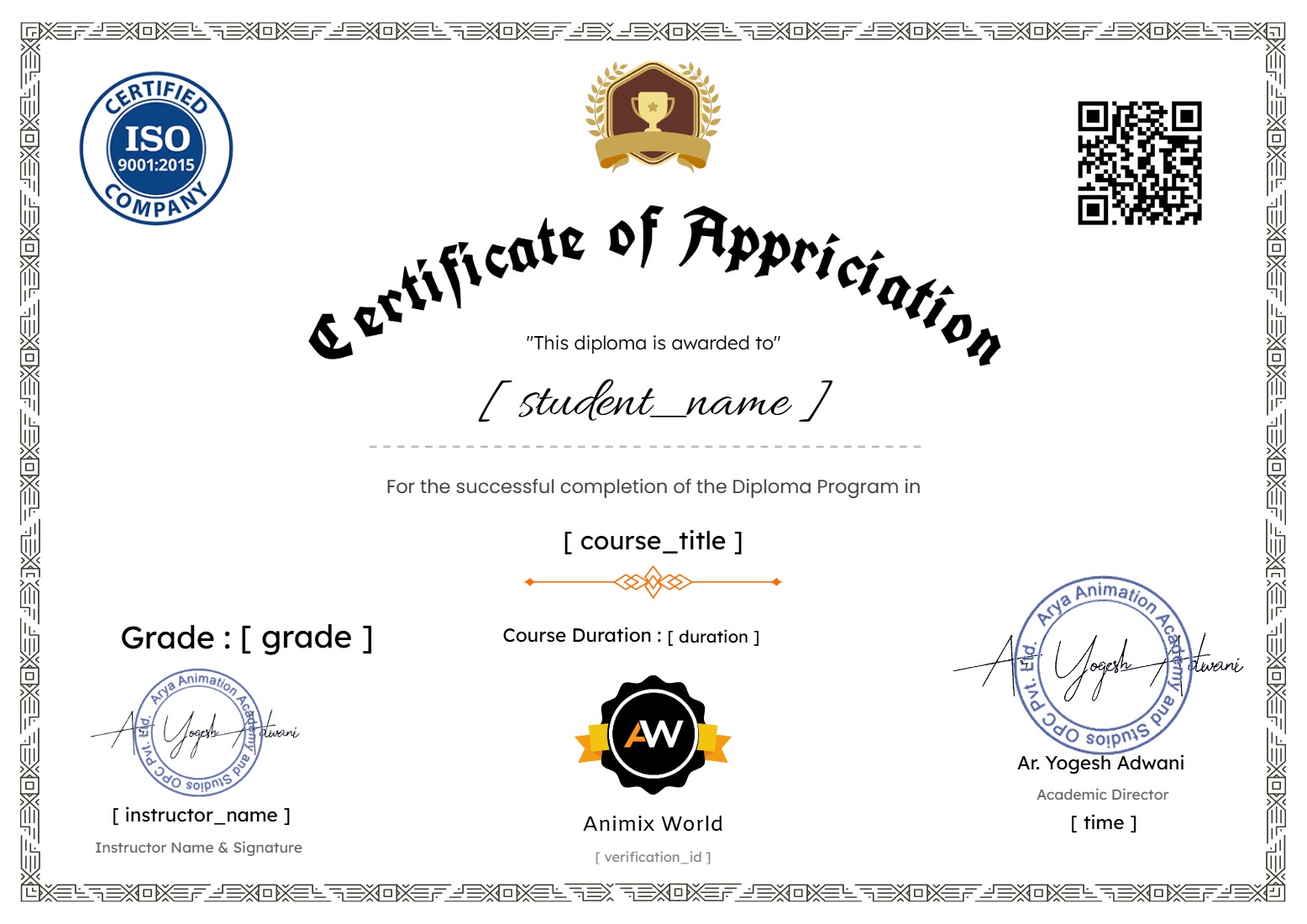
Earn a certificate
Add this certificate to your resume to demonstrate your skills & increase your chances of getting noticed.