Creative Vision AI – Films, Ads, Graphic Design, Animation, VFX And Editing
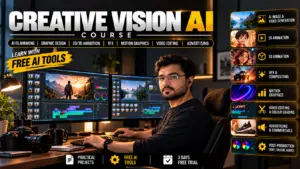
About Course
Welcome to Animix World
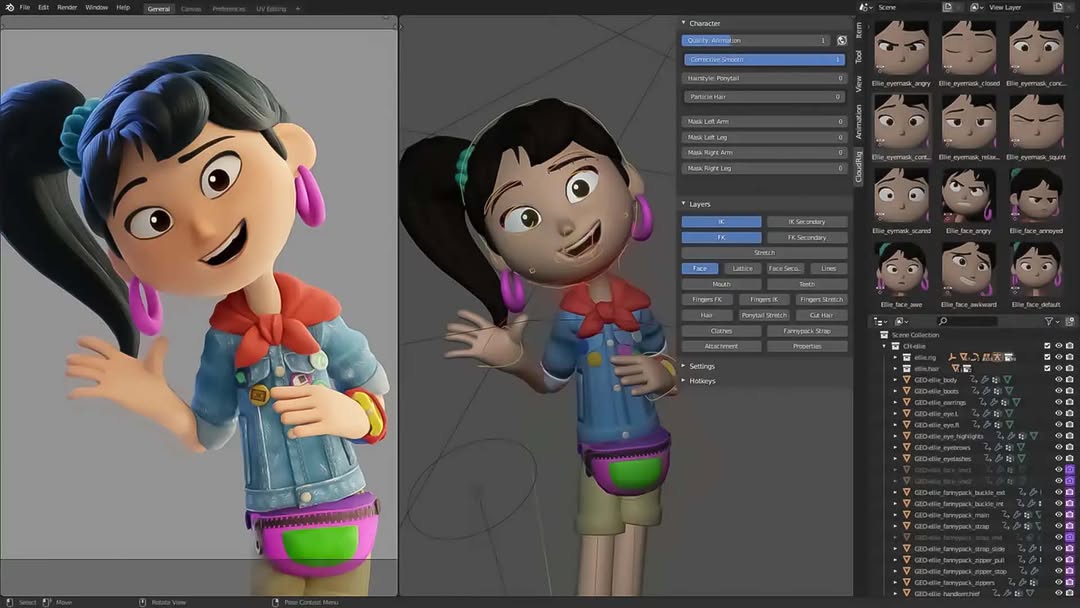
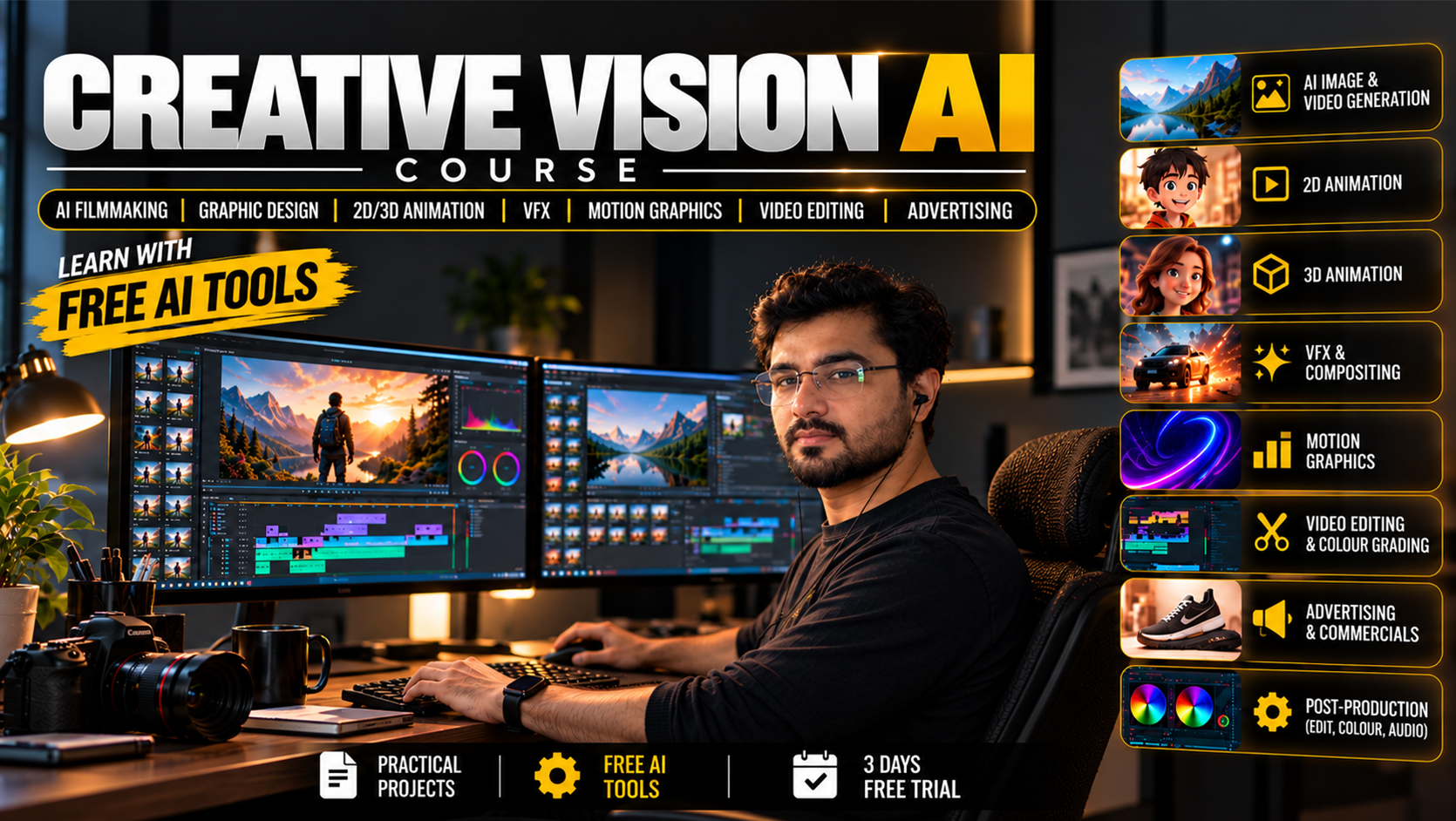
Welcome to Animix World, where you can kickstart your creative journey with our comprehensive ai vfx course and ai animation course. If you want to excel in film, ads, and graphic design, our curriculum blends traditional techniques with modern artificial intelligence tools.
Course at a glance
- Duration: 136 Working Days
- Modules: 14 modules
- Lessons: 137 lessons
- Course fee: Rs. 24,999
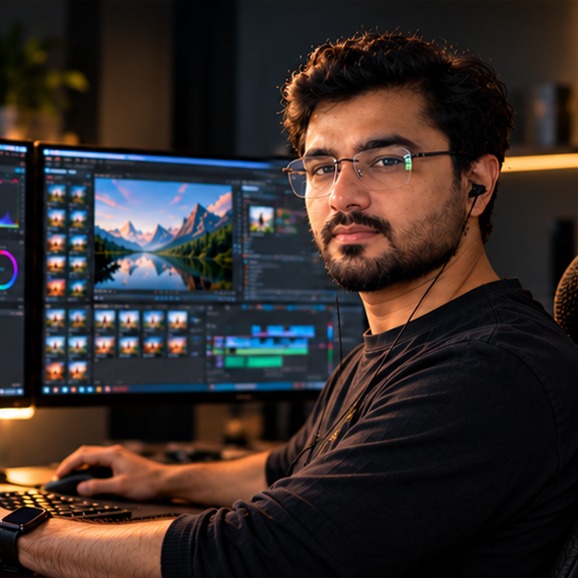
- Instructor: Yogesh Kumar Adwani
Table of Contents
- Welcome to Animix World
- What is this ai vfx course?
- How does visual effects training work?
- Who is this visual effects course designed for?
- What is the duration of the vfx classes?
- What is the cost of the animation and vfx course?
- What tools and software are used in visual effects programs?
- What skills will I learn in this ai animation course?
- How does this vfx animation course compare to others?
- What skills will I learn in this vfx diploma?
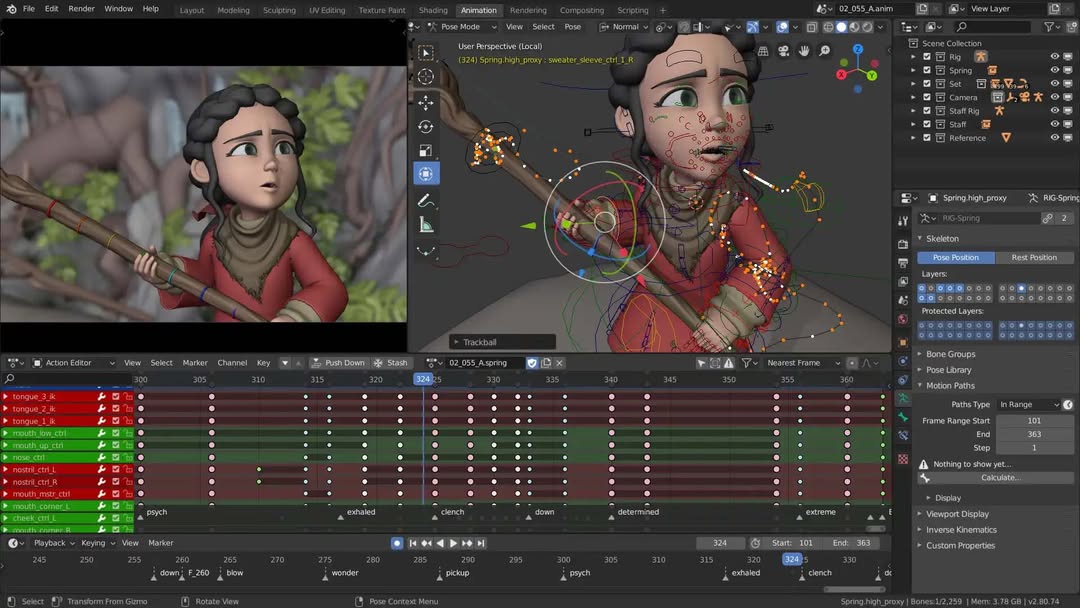
The digital media landscape is evolving rapidly with the integration of artificial intelligence. Our program ensures you stay ahead of these trends by mastering software like Blender and Adobe After Effects.
What is this ai vfx course?
A vfx course is a specialized training program designed to teach students how to create computer-generated imagery, manipulate digital elements, and enhance live-action footage.
This visual effects course focuses on practical applications, from vector art to complex 3D simulations. You will learn how to prepare assets for various mediums using the Adobe InDesign Course (Hindi) module.
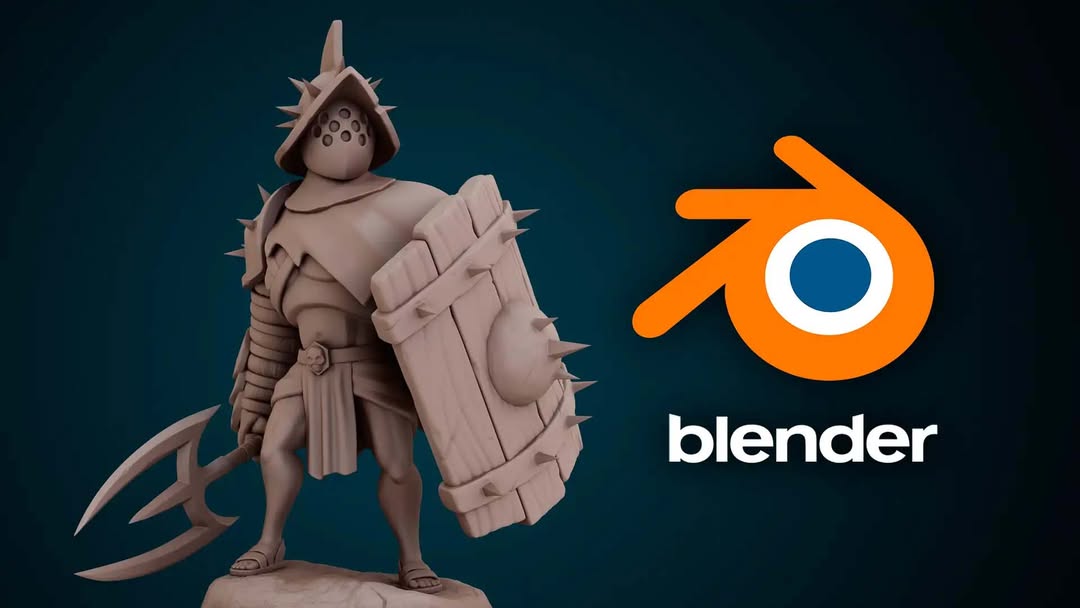
For those interested in strengthening their foundation, you can explore the Blender Modelling And Sculpting Course (Hindi) track. You can also explore the Blender Rigging Course (Hindi) for advanced character setup.
How does visual effects training work?
Our vfx and animation course combines theoretical knowledge with 136 Working Days of practical, hands-on training.
You will move through 14 structured modules that cover everything from basic design principles to advanced 3D animation. This visual effects training is led by Instructor Yogesh Kumar Adwani, the Founder and Director of Animix World.
As you progress, you will dive into the 3D Animation Film Making Course (Hindi) curriculum to understand depth and perspective. You will also work on projects that simulate real-world industry demands. The curriculum includes 6 included materials to support your learning journey throughout the entire duration.
Who is this visual effects course designed for?
This course is designed for aspiring digital artists, filmmakers, and designers who want to master modern production pipelines. Whether you want to learn vfx from scratch or enhance your existing skills, our program supports every step of your creative journey.
Students often look into visual effects programs and animation visual effects to build a complete skill set. Each session brings you closer to mastering the tools needed for modern production.
What is the duration of the vfx classes?
The total course duration is 136 Working Days of extensive learning across multiple modules and lessons. You can learn at your own pace from anywhere in the world through our online platform.
This ai vfx course provides a structured path from beginner to advanced artist. You will go through 137 lessons designed to build a solid foundation in digital media.
Earning a recognized vfx institute credential adds immense value to your professional portfolio.
What is the cost of the animation and vfx course?
The total vfx course price is Rs. 24,999, which covers an extensive journey through all lessons and modules. Investing in your education is a crucial step for any aspiring digital artist.
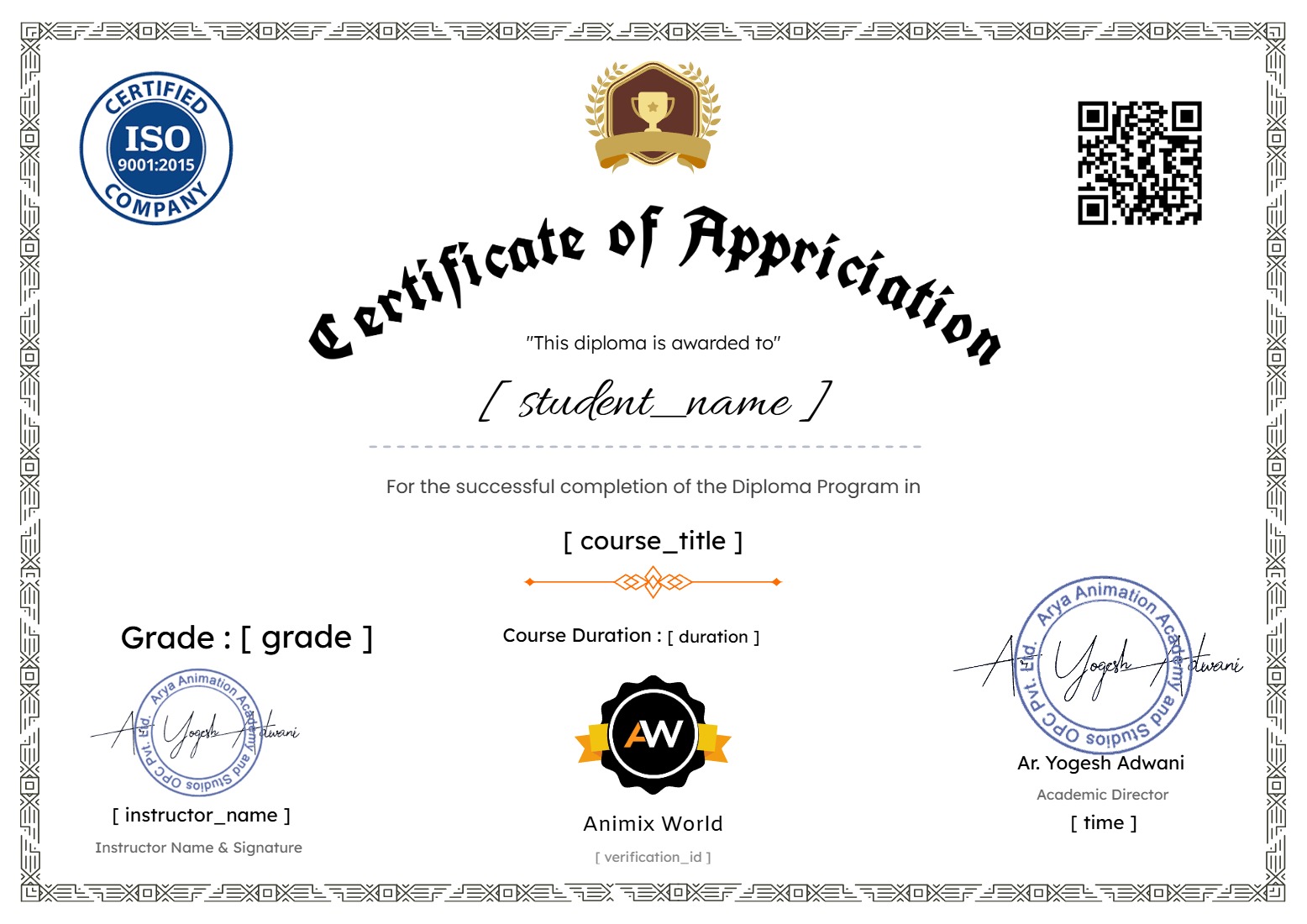
A vfx certificate provides a formal recognition of your skills and dedication to the craft. This formal recognition demonstrates to potential clients and partners that you have completed a rigorous training program.
It helps you compile your best visual pieces into a polished showcase for your creative career.
What tools and software are used in visual effects programs?
Students master industry-standard software like Blender and Adobe After Effects for modeling, sculpting, and composition. The curriculum also integrates modern AI tools to streamline your creative workflow.
Through our ai animation course modules, you will explore vector art creation for modern logos and brand icons. You will also learn pixel-based manipulation and digital asset preparation.
To read more about the latest industry trends, you can read more about it on Visual effects.
What skills will I learn in this ai animation course?
You will learn how to integrate 3d animation and vfx courses principles into your daily workflow. The curriculum includes 10 specific learning points that guide your progress.
- Vector art creation for modern logos and brand icons
- Pixel-based manipulation and digital asset preparation
- Building realistic and detailed 3D models
- Exploring the depths of animation visual effects
- AI-driven filmmaking techniques and creative workflows
You will also work on building realistic and detailed 3D models. Choosing Animix World means joining a community of passionate artists dedicated to creative excellence.
How does this vfx animation course compare to others?
Our program stands out by bridging classical arts with cutting-edge technology. Students gain practical experience that translates directly into modern digital production environments.
Every module is crafted to ensure complete understanding of both creative theory and technical execution. You receive structured guidance from industry experts throughout your studies.
What skills will I learn in this vfx diploma?
You acquire a robust set of competencies spanning multiple creative disciplines. These abilities allow you to tackle complex digital projects with confidence and precision.
Mastering these techniques elevates your overall portfolio quality significantly. You become fully equipped for advanced creative challenges across various media platforms.
Course Content
Phase 1: Foundation For AI Workflow
-
Class 1 – Creative Media Overview & the Full AI Production Pipeline
00:00 -
Class 2: File Management, Naming, Versioning and Backup + Hardware, GPU/VRAM and Local AI System Requirement
00:00 -
Class 3: Image Basics (Pixels, Resolution, Aspect Ratio, Pixel Aspect Ratio, DPI/PPI, Raster vs Vector, and Bit Depth)
00:00 -
Class 4: Color Theory, Color Models and Color Spaces, Color Management, Histogram, Alpha Channel, Compression and All Image Formats
-
Class 5: Photo Craft Basics
-
Class 6: Video Basics (Frames, FPS, Resolution, Aspect Ratio, Pixel Aspect Ratio, Interlaced vs Progressive, Shutter Speed, Timecode, Color Spaces, Log, LUT, HDR, Bit Depth, Chroma Subsampling, Bitrate and Codecs)
-
Class 7: All Video Formats + Audio Basics and All Audio Formats
-
Class 8: Film Craft Basics
-
Class 9: ChatGPT, Gemini and Cloud AI Basics + Cloud AI vs Local AI: When to Use Which
-
Class 10: Prompt Engineering (Text, Image and Video Prompts)
-
Class 11: Blender Basics and Pipeline
-
Class 12: Blender Modeling
-
Class 13: Blender UV, Texturing and Materials/Shading
-
Class 14: Blender Rigging
-
Class 15: Animation Principles
-
Class 16: Blender Camera Animation
-
Class 17: Blender Animation Basics and Animation Refinement
-
Class 18: Blender Lighting Basics, Lighting Types and Conditions
-
Class 19: Blender Rendering (Eevee/Workbench) and Compositor
-
Class 20: Blender Grease Pencil (2D Introduction) + 2D Foundation: Drawing Basics and 2D Animation Principles
-
Class 21: Install ComfyUI + Download All Models for Local AI
-
Class 22: ComfyUI Basics and Nodes Basics
-
Class 23: Image Models (SDXL, Minimax H3, Flux, Qwen-Image, etc.), Samplers and Seeds
-
Class 24: ControlNet (Pose, Depth, Canny) + IP-Adapter and Reference-Based Generation
-
Class 25: Inpainting, Outpainting and AI Image Editing + Upscaling and Face Restoration
-
Class 26: Using LoRA + LoRA Training (Character and Style)
-
Class 27: Video Models in ComfyUI (Minimax H3, Wan, LTX, AnimateDiff, etc.)
-
Class 28: Custom Nodes, Workflow Saving/Sharing and Troubleshooting
-
Class 29: AI Ethics, Copyright, Licensing and Deepfake Responsibility
Phase 2: Pre-Production With AI
Phase 3A: 3D Animation Production With AI
Phase 3B: 2D Animation Production With AI
Phase 3C: Filmmaking Production With AI
Phase 4: Post-Production and Video Editing With AI
Phase 5: VFX With AI
Phase 6: Graphic Design With AI
Phase 7: Ads and Motion Graphics With AI
Phase 8: Capstone and Business
Final Test
Final Conclusion And Career Guidance
On Demand Lessons
Software & Industry Updates
Earn a certificate
Add this certificate to your resume to demonstrate your skills & increase your chances of getting noticed.