CorelDRAW Course in Hindi – Basic to Advanced
About Course
CorelDRAW Course in Hindi – Basic to Advanced
Learn CorelDRAW in Hindi from Basic to Advanced with Animix World and build the skills you need to create professional graphic designs, logos, vector artwork, posters, banners, brochures, business cards, social media graphics, and print-ready designs.
This course is designed for beginners, students, aspiring graphic designers, freelancers, business owners, and anyone who wants to learn CorelDRAW professionally in Hindi.
You don’t need any prior graphic design experience. Start from the fundamentals and gradually move toward advanced CorelDRAW tools, techniques, and professional design workflows.
What You Will Learn
-
CorelDRAW interface and workspace
-
Understanding vector graphics
-
Creating and editing shapes
-
Lines, curves and Bezier tools
-
Pen and drawing tools
-
Object selection and transformation
-
Layers and object management
-
Fill, outline and color management
-
Gradients and transparency
-
Text and typography
-
Font management and professional typography
-
Logo design
-
Business card design
-
Poster and banner design
-
Brochure and flyer design
-
Social media graphics
-
Vector illustration
-
Image tracing and vector conversion
-
Professional layout design
-
Print-ready artwork
-
Page setup and document preparation
-
Exporting designs for different formats
-
Advanced CorelDRAW techniques
-
Professional design workflow
-
Practical design projects
Animix World Learning Features
With Animix World, you get more than just software tutorials. The course is designed to help you develop practical graphic design skills through structured learning.
✓ Hindi-Language Learning
Learn CorelDRAW concepts in easy-to-understand Hindi.
✓ Basic to Advanced Learning
Start from the fundamentals and gradually progress to advanced-level designing.
✓ Practical Projects
Learn by creating real-world graphic design projects.
✓ Learn at Your Own Pace
Access the course online and learn according to your schedule.
✓ Beginner Friendly
No previous CorelDRAW or graphic design experience is required.
✓ Skill-Based Learning
Focus on practical skills that can be used for freelance work, business designs, print media and professional graphic design.
✓ Structured Course Content
Follow a systematic learning path from basic tools to advanced techniques.
Who Is This Course For?
This CorelDRAW course is suitable for:
-
Beginners who want to learn graphic design
-
Students
-
Aspiring graphic designers
-
Freelancers
-
Digital artists
-
Print designers
-
Small business owners
-
Social media creators
-
Professionals looking to improve their design skills
-
Anyone interested in learning CorelDRAW in Hindi
Why Learn CorelDRAW?
CorelDRAW is widely used for creating vector graphics, logos, branding materials, print designs, brochures, business cards, banners, posters and other professional artwork.
By learning CorelDRAW from basic to advanced, you can develop a strong foundation in graphic design and create professional designs for personal, business and freelance projects.
Start Your CorelDRAW Journey
Whether you are completely new to graphic design or already have some experience, this course provides a structured path to learn CorelDRAW in Hindi from beginner to advanced level.
Join Animix World and start learning CorelDRAW with practical, easy-to-follow lessons.
Course Content
CorelDRAW Fundamentals
-
Class 1 – Introduction to CorelDRAW
00:00 -
Class 2 – CorelDRAW Interface & Basic Tools
00:00 -
Class 3 – Basic Shapes & Object Creation
00:00 -
Class 4 – Lines, Curves & Freehand Drawing
00:00 -
Class 5 – Shape Editing & Node Editing
00:00
CorelDRAW Designing Fundamentals
Typography & Professional Design
Real-World Graphic Design
Advanced Graphic Design
Professional Print & Production
Advanced Professional Workflow
Professional Projects
Final Test
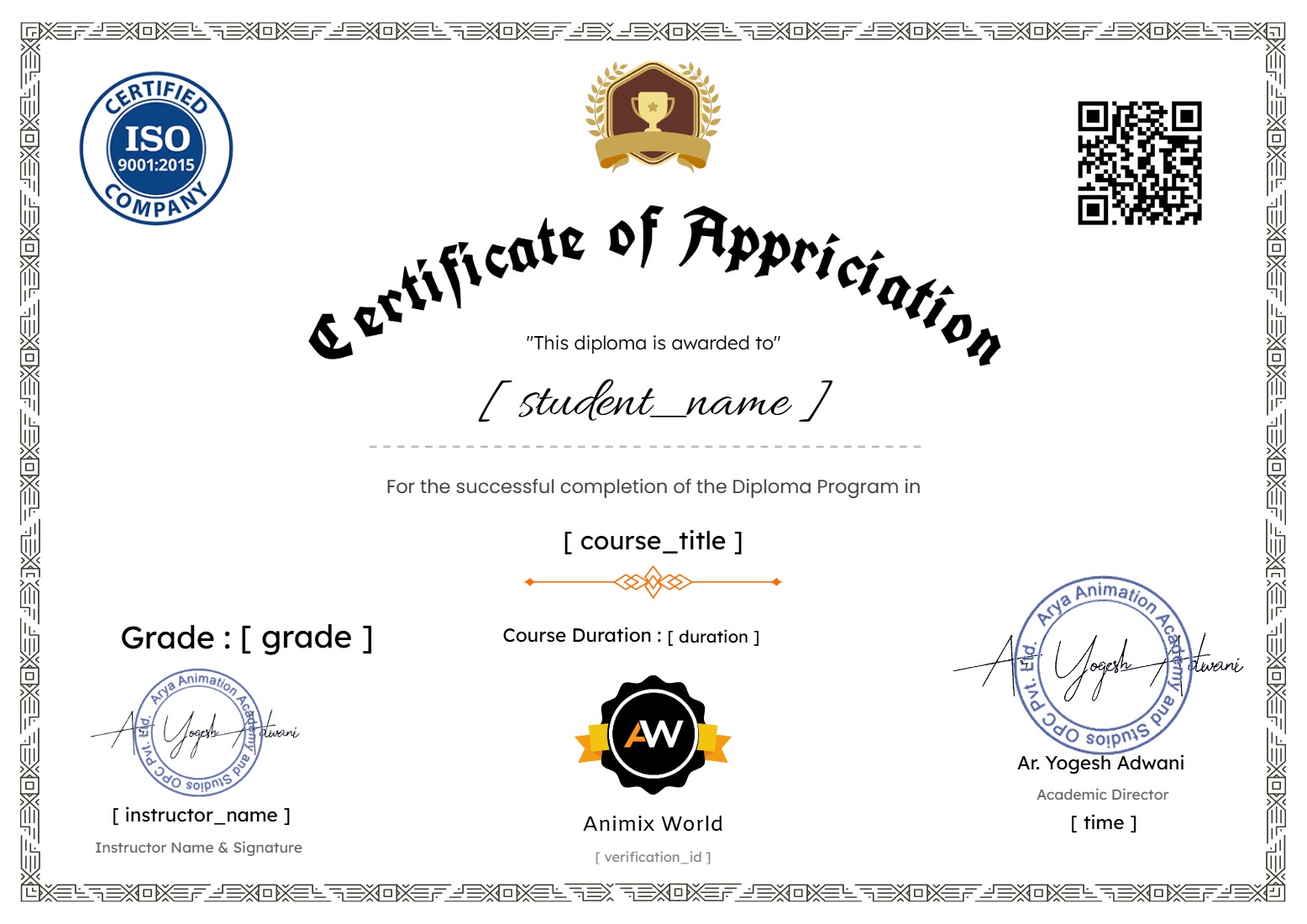
Earn a certificate
Add this certificate to your resume to demonstrate your skills & increase your chances of getting noticed.
Student Ratings & Reviews