Creative Vision AI Course – Filmmaking, Graphic Design, 2D-3D Animation, VFX, Motion Graphics & Video Editing
About Course
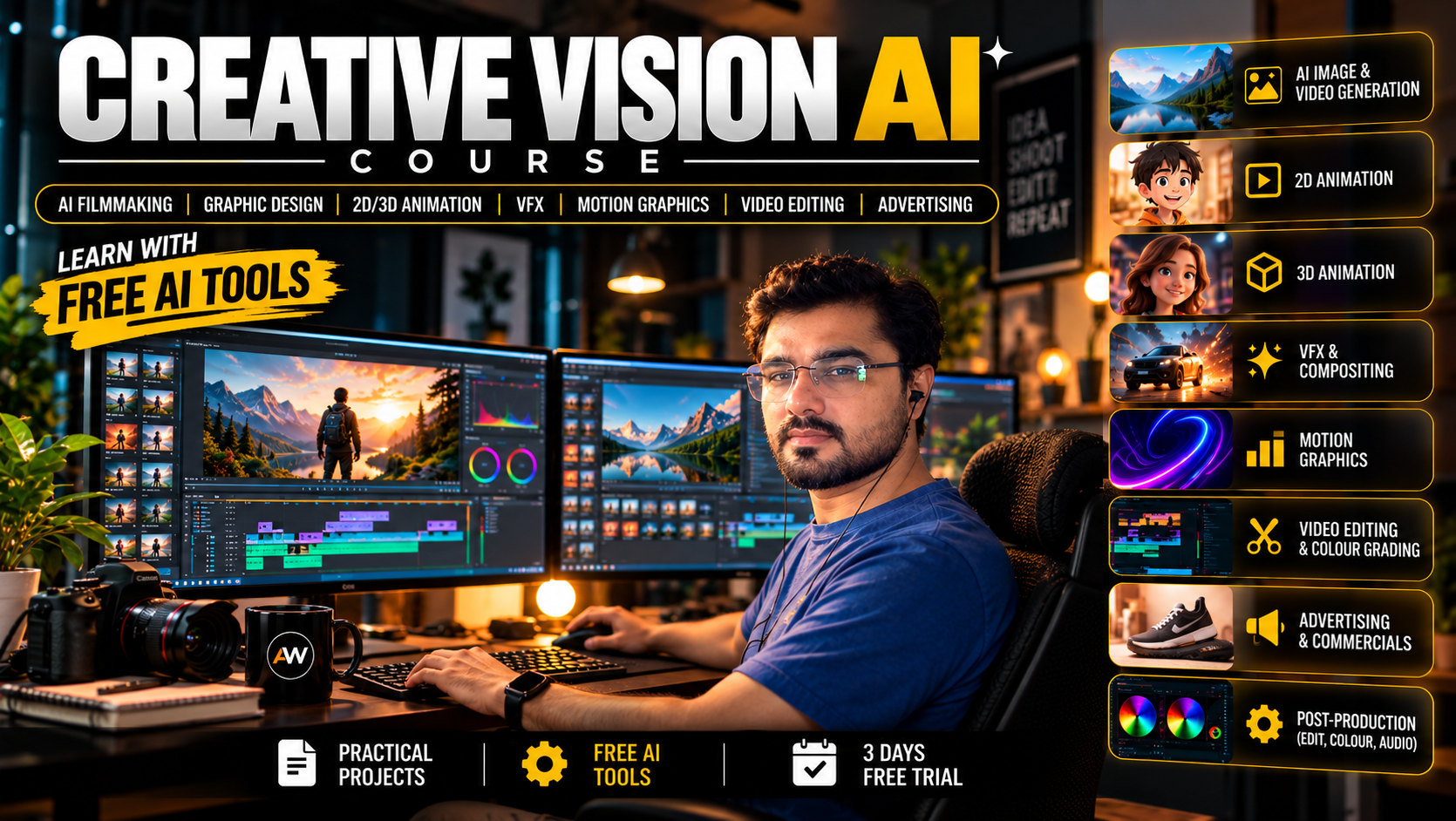
Creative Vision AI Course – Filmmaking, Graphic Design, 2D-3D Animation, VFX, Motion Graphics & Video Editing – 100 Days
Learn to create professional digital content with AI in this complete 100-day masterclass by AnimixWorld. Designed for beginners as well as aspiring creative professionals, this course takes you from the basics to advanced AI-powered creative production. No prior experience in graphic design, animation, filmmaking or video editing is required.
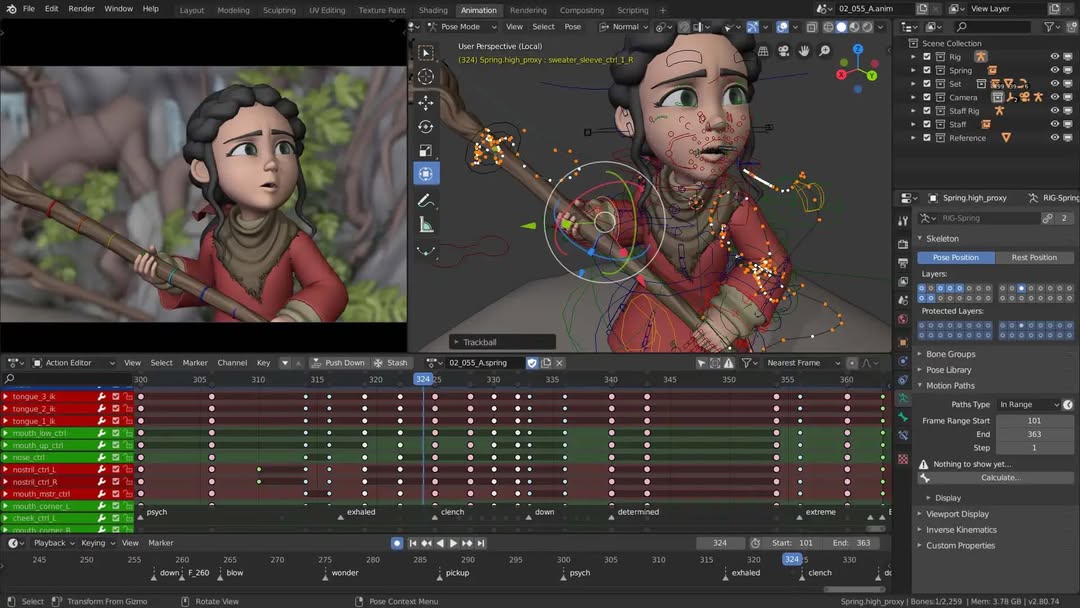
In this course, you will learn Graphic Design, AI Image Generation, AI Filmmaking, 2D Animation, 3D-Style Animation, Visual Effects (VFX), Motion Graphics, Commercial Advertising and Professional Video Editing using modern AI tools and creative software. You will explore ChatGPT, Gemini, prompt engineering, PhotoCraft, Blender, ComfyUI, MiniMax H3 and other AI-powered creative tools to turn your ideas into professional visual content.
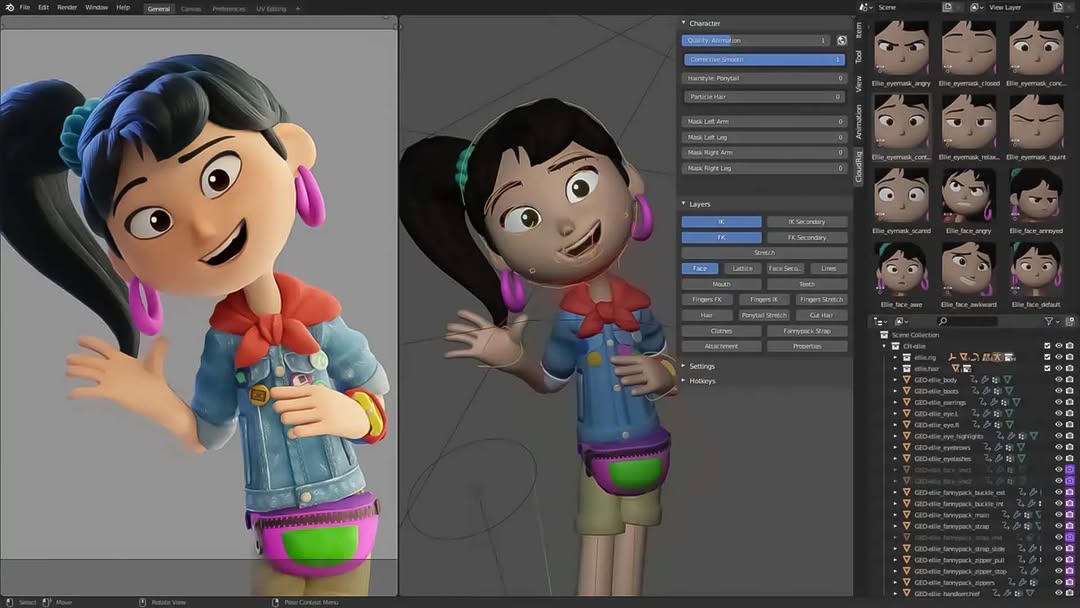
The course covers digital media fundamentals, design principles, colour theory, typography, lighting, composition, filmmaking, storytelling, camera movements, scriptwriting, storyboarding, character design and production planning. You will learn to create AI-generated images, consistent characters, cinematic environments, animated scenes, AI videos, cartoon animations, 3D-style character movements, visual effects, motion graphics, logo animations, promotional videos and professional advertisements.
You will also learn how to use ComfyUI and local AI models, understand model management and LoRA workflows, optimise VRAM usage, troubleshoot common errors and generate AI videos using MiniMax H3. The course includes practical training in image-to-video generation, cinematic camera movements, character consistency, lip-sync, motion control, character replacement, background replacement, compositing and advanced visual effects.
Using PhotoCraft, you will explore image editing, background removal, posters, thumbnails, banners and promotional graphic design. With FilmCraft, you will learn video editing, timeline management, transitions, speed control, titles, subtitles, colour correction, cinematic colour grading, audio editing, sound design and final video export.
Throughout the 100-day learning journey, you will work on practical projects involving AI-generated images, animation, short films, VFX shots, motion graphics, social media content and commercial advertisements. You will also complete a final capstone project, taking an idea from scripting and pre-production through AI generation, animation, editing, visual effects, colour grading and audio to a finished film.
This course is suitable for beginners, aspiring AI filmmakers, animators, graphic designers, video editors, YouTubers, content creators, freelancers and digital marketing professionals who want to develop creative production skills using AI. By the end of the course, you will have practical experience creating different types of AI-powered visual content and a portfolio of creative projects.
Course Duration: 100 Days
Learning Approach: Beginner-Friendly, Practical-First and AI-Focused
Start your creative journey with AnimixWorld and learn how to transform your ideas into images, animations, films and professional advertising content using AI.
Visit: https://animixworld.com
Note: AI tool features, model availability, hardware Course Requirements and commercial-use permissions may vary depending on the software, service and licence.
Quick Reference – Formats & Technical Specifications Covered in the Course
Introduced in Classes 3–8 and reinforced throughout practical projects.
1. Image Formats
| Format | Type | Transparency | Best Use |
|---|---|---|---|
| JPEG / JPG | Lossy raster | No | Photography, web, social media |
| PNG | Lossless raster | Yes | Logos, graphics, transparent cut-outs |
| WebP | Lossy or lossless raster | Yes | Web images and optimized delivery |
| GIF | Raster, up to 256 colours | Limited | Simple animations and loops |
| TIFF | Raster, lossless or compressed | Supported | Print, archiving, professional imaging |
| HEIC / HEIF | Efficient raster format | Supported in some workflows | Smartphone photography |
| RAW | Camera sensor data | Camera-dependent | Professional photo editing |
| PSD | Layered project format | Yes | Editable Photoshop designs |
| SVG | Vector graphics | Yes | Logos, icons and scalable illustrations |
| EXR | High-dynamic-range image | Supported | VFX, compositing and 3D rendering |
2. Frame Rates (FPS)
| Frame Rate | Visual Characteristics | Typical Applications |
|---|---|---|
| 23.976 / 24 FPS | Cinematic motion | Films, cinematic advertisements, AI video |
| 25 FPS | PAL-region standard | Television and video production in India |
| 29.97 / 30 FPS | Standard video motion | YouTube, social media and general video |
| 50 / 60 FPS | Smooth motion | Sports, gaming and slow-motion source footage |
| 120+ FPS | High-frame-rate capture | Slow-motion footage and action sequences |
Note: The final playback frame rate and the original capture or generation frame rate may differ.
3. Video Formats, Codecs & Delivery
| Category | Examples | Purpose |
|---|---|---|
| Containers | MP4, MOV, MKV, AVI, WebM, MXF | Package video, audio, subtitles and metadata |
| Delivery codecs | H.264, H.265 (HEVC), AV1, VP9 | Efficient encoding for sharing and streaming |
| Editing codecs | Apple ProRes, Avid DNxHR | Professional editing and high-quality intermediate files |
| Resolutions | 720p, 1080p, 2K, 4K, 8K | Image detail and output quality |
| Aspect ratios | 16:9, 9:16, 1:1, 4:5, 21:9 | Landscape, vertical, square, portrait and cinematic formats |
Students learn how to select appropriate containers, codecs, resolution, aspect ratio and export settings for different platforms and production Course Requirements.
4. Audio Formats
| Format | Type | Best Use |
|---|---|---|
| WAV | Usually uncompressed PCM | Audio editing, recording and final masters |
| AIFF | Usually uncompressed PCM | Professional audio workflows |
| FLAC | Lossless compressed | High-quality archiving |
| MP3 | Lossy compressed | Music distribution and general sharing |
| AAC | Lossy compressed | Video, streaming and online delivery |
| OGG | Container format commonly using Vorbis or Opus | Games, web audio and interactive media |
Students learn about audio quality, sample rate, bit depth, compression, file size and choosing the right format for editing and delivery.
5. Colour Science & Colour Management
| Topic | Coverage |
|---|---|
| Colour Models | RGB, CMYK, HEX and HSB/HSV |
| Colour Spaces | sRGB, Rec.709, DCI-P3 and Rec.2020 |
| Dynamic Range | SDR and HDR fundamentals |
| Bit Depth | 8-bit, 10-bit and 12-bit workflows; colour banding |
| Colour Theory | Colour wheel, harmony, contrast and colour psychology |
| Colour Grading | Exposure, white balance, contrast, saturation and cinematic looks |
| LUTs | Understanding, applying and managing Look-Up Tables |
6. Final Course Outcomes
By the end of the course, students will be able to:
-
Plan and Develop Projects: Take a project from creative brief, concept and script through pre-production, production and post-production.
-
Understand Technical Formats: Choose suitable image, video and audio formats, frame rates, resolutions, codecs and export settings for different platforms.
-
Create Visual Content: Produce AI-generated images, consistent characters, animations, visual effects, motion graphics, advertisements and edited videos.
-
Build Local AI Workflows: Set up and troubleshoot ComfyUI workflows while understanding model compatibility, VRAM Course Requirements, quality and generation-speed trade-offs.
-
Finish Professional Projects: Perform video editing, colour correction, colour grading, audio mixing, compositing and final delivery.
-
Build a Portfolio: Complete a capstone project and prepare professional work suitable for portfolio presentation and client demonstrations.
7. Important Teaching Note
Feature availability in PhotoCraft, FilmCraft, ComfyUI and other AI tools depends on the software version, model availability, hardware compatibility and applicable licence terms. Some workflows require an internet connection or paid cloud services, while local AI generation depends on system resources, particularly GPU VRAM. Actual generation speed and output quality vary by model, resolution and workflow configuration.
Course Content
Phase 1 – Foundations (Classes 1-14)
-
Class 1 – Creative Media Overview & the Full Production Pipeline
-
Class 2 – Computer, Files & Project Organisation
-
Class 3 – Image Formats
-
Class 4 – Resolution, Pixels & Aspect Ratios
-
Class 5 – Colour in Digital Media
-
Class 6 – Video Basics: Frames, FPS & Motion
-
Class 7 – Video Formats, Codecs & Compression
-
Class 8 – Audio Basics & Formats
-
Class 9 – Hardware, GPU, VRAM & AI Workflows
-
Class 10 – Design Elements, Hierarchy & Composition
-
Class 11 – Colour Theory & Colour Psychology
-
Class 12 – Typography & Text Layout
-
Class 13 – Lighting Fundamentals
-
Class 14 – PROJECT 1 – Foundation Mini-Project: Media Spec Sheet & Moodboard
Phase 2 – Pre-Production (Classes 15-35)
Phase 3A (Production) – AI Image Production (Classes 36-42)
Phase 3B (Production) – PhotoCraft: Image Editing & Design (Classes 43-47)
Phase 3C (Production) – ComfyUI & Local AI (Classes 48-54)
Phase 3D (Production) – AI Video Production (MiniMax H3) (Classes 55-65)
Phase 3E (Production) – 2D Animation (Classes 66-70)
Phase 3F (Production) – 3D-Style Animation (Classes 71-74)
Phase 3G (Production) – VFX (Classes 75-78)
Phase 3H (Production) – Motion Graphics (Classes 79-83)
Phase 3I (Production) – Advertising (Classes 84-87)
Phase 4 – Post-Production (Classes 88-97)
Phase 5 – Professional Delivery & Capstone Final Stage (Classes 98-100)
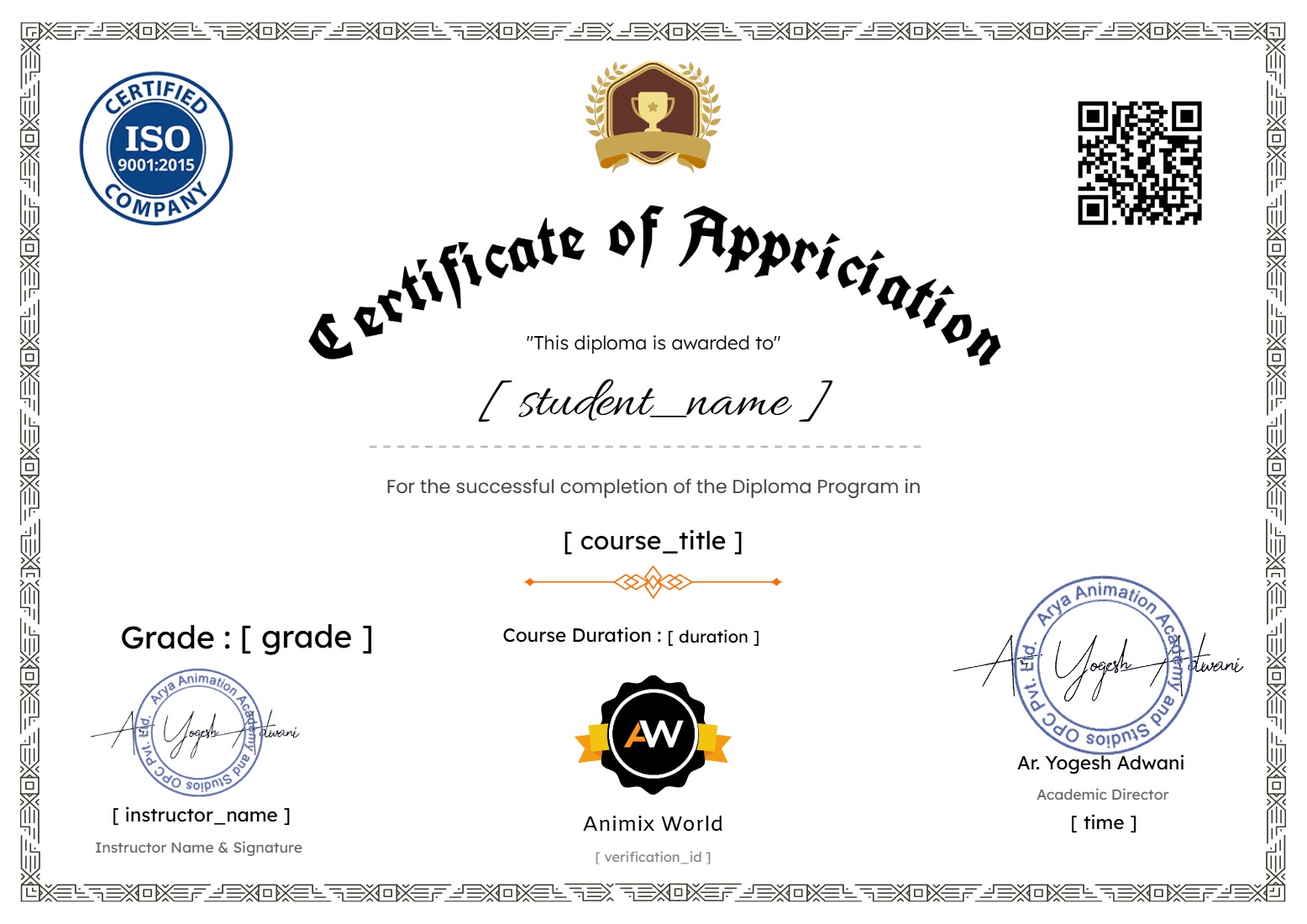
Earn a certificate
Add this certificate to your resume to demonstrate your skills & increase your chances of getting noticed.
Student Ratings & Reviews