Creative Vision AI – Films, Ads, Graphic Design, Animation, VFX And Editing
About Course
AI Filmmaking, Animation, VFX, Graphic Design, Ads & Video Editing
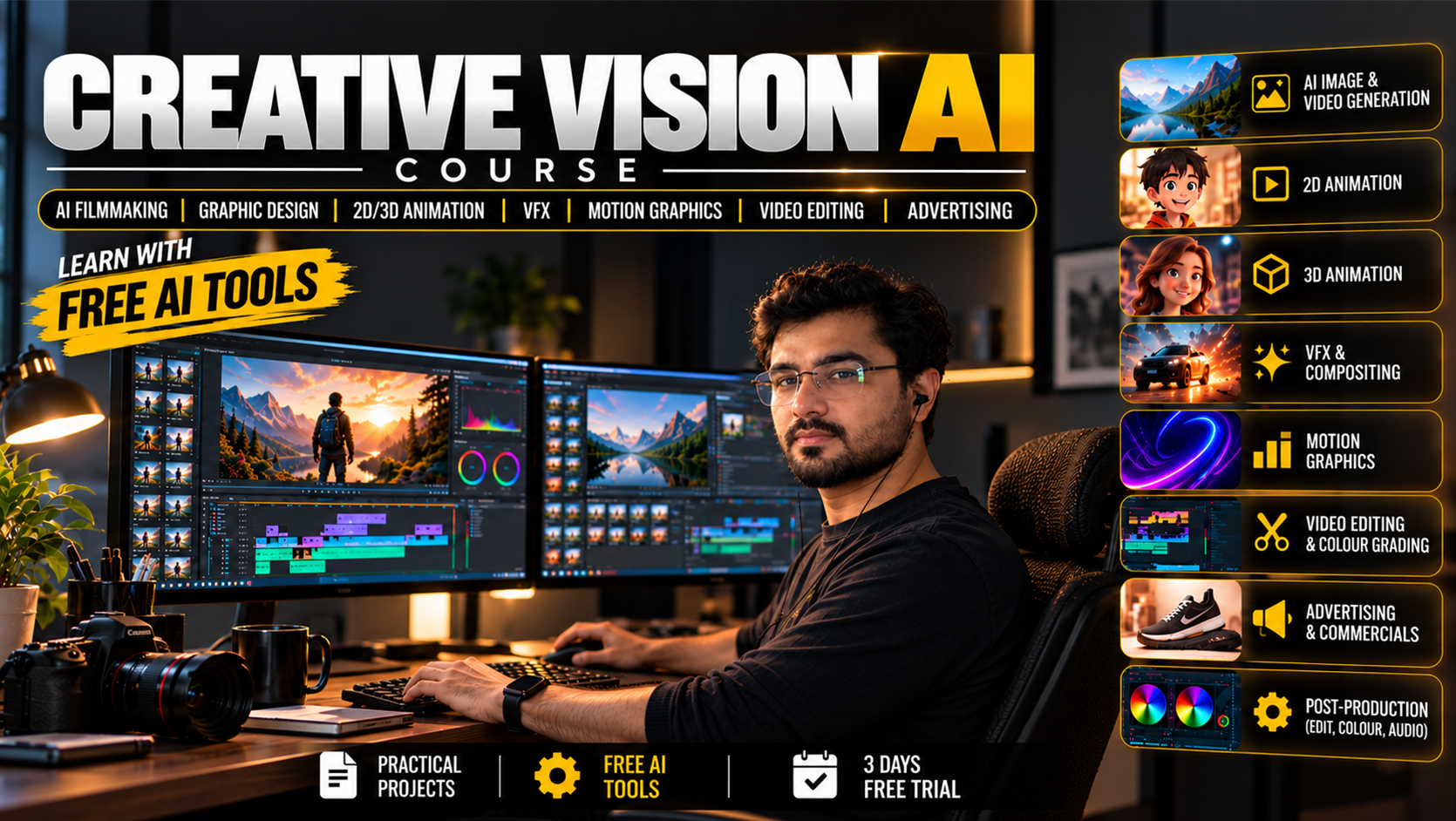
Welcome to the AI filmmaking course at Animix World. Explore AI-powered filmmaking, video creation, 2D and 3D animation, visual effects, graphic design, motion graphics, advertising, and professional video editing through our Creative Vision AI curriculum.
This creative media programme includes 136 classes covering filmmaking fundamentals, AI video generation, animation, VFX, digital design, post-production, and creative project development. Learn about modern AI tools and production workflows used to plan and create films, advertisements, animations, and digital content.
AI Filmmaking Course – Creative Vision AI
The AI filmmaking course at Animix World introduces learners to the creative process behind AI-assisted film and video production. Explore storytelling, scripting, storyboarding, character references, cinematic shot planning, AI-generated visuals, and video editing.
Creative Vision AI brings together filmmaking, animation, visual effects, graphic design, motion graphics, and advertising in one structured curriculum. The course is designed for beginners and aspiring creative professionals who want to understand modern digital production techniques.
What You Will Learn in Our AI Filmmaking Course
The curriculum covers a range of creative and technical subjects, including:
- AI filmmaking and cinematic video production
- AI video generation and image-to-video workflows
- 2D animation and 3D animation
- Visual effects (VFX) and compositing
- AI graphic design and digital art
- AI advertisements and commercial video production
- Motion graphics and logo animation
- Professional video editing and post-production
- Storyboarding, scripting, and pre-production
- AI character consistency and cinematic workflows
- Portfolio development, freelancing, and creative business fundamentals
The AI filmmaking course combines these topics to help learners understand how individual production stages work together in a complete creative project.
AI Video Creation Course
The AI video creation course section explores how artificial intelligence can support video production, from developing an idea to generating visuals and assembling a finished video.
Topics include:
- Text-to-video and image-to-video workflows
- AI-assisted scripting and storyboarding
- Character reference creation and consistency
- Cinematic camera movement and shot planning
- Scene continuity and visual storytelling
- Lip-sync and AI-assisted character animation
- Background generation and scene changes
- Video assembly and post-production
The curriculum introduces MiniMax H3 through ComfyUI, along with supporting AI models and workflows covered in the syllabus. Learners can explore how AI tools fit into creative video production while understanding that model capabilities and hardware Course Requirements vary.
AI Filmmaking and Cinematic Production
The AI filmmaking course introduces important pre-production and production concepts. Learn how to develop creative ideas, prepare scripts, plan scenes, create storyboards, and organise visual references before generating or editing footage.
Explore cinematic composition, camera angles, movement, lighting, scene continuity, and character consistency. These concepts help learners understand how to plan more coherent videos, short films, promotional content, and advertisements.
The curriculum also introduces AI-assisted production workflows using ComfyUI and MiniMax H3.
2D and 3D Animation Course
Explore animation principles, character movement, digital modelling, and AI-assisted animation workflows. The animation curriculum introduces both 2D and 3D approaches to creating moving characters, objects, and scenes.
Topics include:
- Blender fundamentals and 3D modelling
- Texturing, materials, and shading
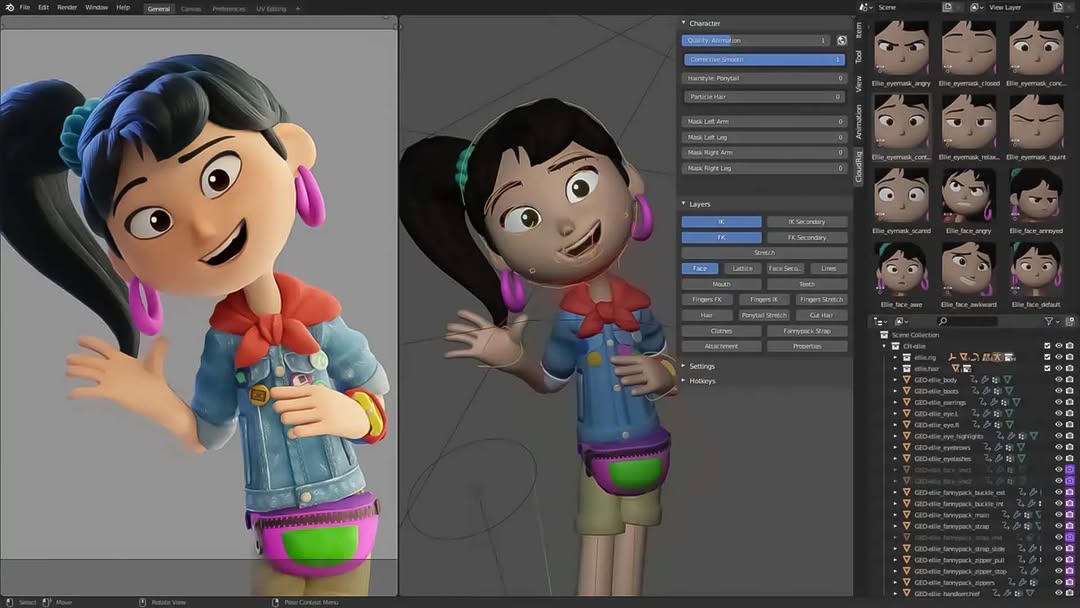
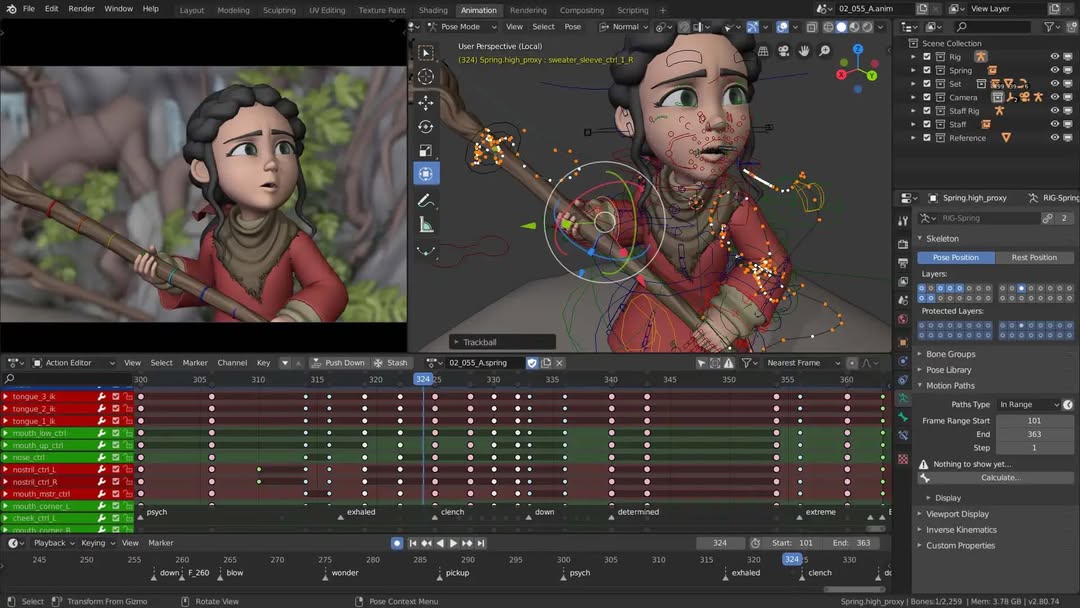
- Character rigging and animation
- Lighting, cameras, and rendering
- Character movement and animation principles
- AI motion capture and animation assistance
- 2D cutout animation
- Colourisation and in-betweening
Learners can explore how animation contributes to films, advertisements, games, explainers, and other forms of digital content.
Animation and VFX Course
The Animation and VFX course combines animation concepts with visual effects techniques used in film and commercial production. Explore how visual elements can be combined, modified, and integrated into footage to support a creative scene.
The VFX curriculum includes:
- Rotoscoping and masking
- Green screen and AI keying
- Camera tracking and match-moving
- Background replacement and set extension
- Object removal and video inpainting
- Relighting and environmental changes
- Fire, smoke, water, and explosion effects
- Compositing and scene integration
- Product and commercial VFX workflows
The course also introduces responsible use of face swaps and other identity-related effects. Specific results depend on the tools, source footage, and production workflow used.
AI Graphic Design Course
The AI graphic design section explores visual communication, digital art, branding, and AI-assisted image creation. Learn about design principles and creative workflows for producing visual assets for films, advertisements, websites, and social media.
Topics include:
- Typography, layout, and visual hierarchy
- AI image generation and photo retouching
- Logo design and brand identity
- Posters, flyers, and movie key art
- YouTube thumbnails and social media graphics
- Product mockups and packaging
- Infographics and presentation design
- Digital artwork and creative visual development
The curriculum introduces Photo Craft and ComfyUI alongside relevant AI-assisted design workflows.
Video Editing Course and Post-Production
The video editing section introduces the techniques used to organise footage, build a sequence, improve visual continuity, and prepare finished videos for delivery.
Topics include:
- Editing fundamentals and transitions
- J-cuts, L-cuts, and montage
- Speed ramping and multicamera workflows
- Video stabilisation
- Colour correction and colour grading
- Dialogue cleanup and sound effects
- Audio mixing and subtitles
- AI dubbing workflows
- Compositing and final export
The curriculum introduces Film Craft and relevant post-production workflows. These skills connect filmmaking, animation, VFX, and advertising into a finished creative project.
AI Ads and Motion Graphics Course
Learn about the creative process behind AI-generated advertisements, promotional videos, and motion graphics. Explore how ideas and scripts can be developed into visual campaigns for products, brands, and digital platforms.
Topics include:
- Advertising concepts and scriptwriting
- Commercial storyboards and shot planning
- Kinetic typography and logo animation
- Lower thirds and animated infographics
- Explainer videos and promotional content
- Product advertisements
- Social media ads, Reels, Shorts, and Stories
- Campaign variations and final video assembly
The curriculum includes an AI Ad Campaign Project covering creative planning, production, and final assembly.
Software and AI Tools
The course outline covers four main tools: Photo Craft, Film Craft, Blender, and ComfyUI. It also introduces AI models, supporting technologies, and creative workflows listed in the syllabus.
Additional tools and technologies include:
- MiniMax H3
- Flux and Qwen-Image
- SDXL
- Wan and LTX
- AnimateDiff
- ControlNet and IP-Adapter
- ChatGPT and Gemini
- Prompt engineering and AI-assisted planning
Explore the official resources to learn more about these technologies:
- Blender Official Website — 3D creation, modelling, animation, and rendering.
- ComfyUI Official Website — Node-based workflows for AI image and video generation.
- OpenAI Official Website — Information about AI technologies and tools.
Tool features, model availability, licensing terms, and hardware Course Requirements may change. Check the relevant official documentation before installing software or using generated content commercially.
Course Syllabus: 136 Classes
The Creative Vision AI curriculum is organised into phases covering foundational skills, production, post-production, and creative project development.
Phase 1: Foundations — Classes 1–29
Production fundamentals, digital media, hardware, Blender, ComfyUI, and AI ethics.
Phase 2: Pre-Production — Classes 30–43
Ideas, scripts, character sheets, storyboards, voice, and animatics.
Phase 3: Production — Classes 44–56
One selected specialisation: 3D Animation, 2D Animation, or Filmmaking.
Phase 4: Visual Effects — Classes 57–67
Masking, tracking, scene changes, and visual effects.
Phase 5: AI Graphic Design — Classes 68–81
Branding, posters, thumbnails, mockups, and print-ready design.
Phase 6: Post-Production — Classes 82–94
Editing, colour, sound, compositing, and export.
Phase 7: AI Ads and Motion Graphics — Classes 95–106
AI advertisements, motion graphics, product ads, and social media campaigns.
Phase 8: Capstone and Business — Classes 107–110
Short film, portfolio, marketing, and freelancing.
Phases 9–10: Additional Production Tracks — Classes 111–136
Two additional specialisation tracks, with 13 classes per track.
Each class is approximately 90 minutes and combines theory, practical work, and a practical output.
Who Should Join This Course?
Creative Vision AI is suitable for:
- Beginners interested in AI filmmaking
- Aspiring filmmakers and video editors
- 2D and 3D animation learners
- Graphic designers and digital artists
- VFX and motion graphics enthusiasts
- YouTubers and content creators
- Freelancers and digital marketing professionals
- Creative professionals exploring AI-assisted workflows
The course outline is designed for learners who want to explore several creative disciplines in one programme. Prior experience Course Requirements, enrolment conditions, and course access details should be checked on the Animix World website.
Learning Outcomes
By working through the curriculum, learners will develop an understanding of how to:
- Plan creative projects and cinematic scenes
- Develop scripts and storyboards
- Explore AI-generated visual content
- Understand animation and VFX workflows
- Create graphic design assets and advertisements
- Edit videos and work with post-production tools
- Explore AI-assisted creative production
- Prepare a portfolio or showreel
- Understand basic freelancing, client workflows, and marketing
The curriculum also introduces distribution, monetisation, and responsible AI-use disclosure. Outcomes depend on practice, project work, and individual progress.
Frequently Asked Questions
What is the AI Filmmaking Course?
The AI filmmaking course is part of the Creative Vision AI programme at Animix World. It covers AI-assisted filmmaking, video generation, animation, VFX, graphic design, advertising, motion graphics, and video editing.
What is included in the AI Video Creation Course?
The AI video creation course section covers text-to-video and image-to-video workflows, character consistency, cinematic shot planning, scene continuity, and AI-assisted production.
What is covered in the Animation and VFX Course?
The Animation and VFX course section includes 2D and 3D animation, modelling, rigging, lighting, rendering, rotoscoping, masking, tracking, compositing, and visual effects.
How many classes does Creative Vision AI include?
The complete curriculum contains 136 classes across foundations, pre-production, production, visual effects, graphic design, post-production, advertising, and additional production specialisations.
Is this course suitable for beginners?
The course outline is designed for beginners and aspiring creative professionals. No prior experience in the covered creative disciplines is required by the outline.
Which software and AI tools are covered?
The main tools listed are Photo Craft, Film Craft, Blender, and ComfyUI, alongside supporting AI models and technologies mentioned in the curriculum.
Can I learn video editing and animation in the same course?
Yes. The curriculum includes video editing, 2D and 3D animation, visual effects, graphic design, motion graphics, and AI-assisted filmmaking.
Where can I find course and enrolment details?
Visit Animix World for current course information, access details, and available enrolment options.
Start Exploring Creative Vision AI
Explore filmmaking, AI video creation, animation, VFX, graphic design, motion graphics, advertising, and post-production through the Creative Vision AI curriculum at Animix World.
Discover the topics covered in this AI filmmaking course and explore how AI-powered tools can support modern creative workflows.
Website: https://animixworld.com
Licensing and Responsible Use
AI model features, availability, commercial-use permissions, and hardware Course Requirements vary by tool and model. Review current licence terms before using generated content in client projects or commercial productions. Obtain appropriate permission before using another person’s likeness, voice, or copyrighted material.
Course Content
Phase 1: Foundation For AI Workflow
-
Class 1 – Creative Media Overview & the Full AI Production Pipeline
00:00 -
Class 2: File Management, Naming, Versioning and Backup + Hardware, GPU/VRAM and Local AI System Requirement
-
Class 3: Image Basics (Pixels, Resolution, Aspect Ratio, Pixel Aspect Ratio, DPI/PPI, Raster vs Vector, Bit Depth, Color Theory, Color Models and Color Spaces, Color Management, Histogram, Alpha Channel and Compression)
-
Class 4: All Image Formats
-
Class 5: Photo Craft Basics
-
Class 6: Video Basics (Frames, FPS, Resolution, Aspect Ratio, Pixel Aspect Ratio, Interlaced vs Progressive, Shutter Speed, Timecode, Color Spaces, Log, LUT, HDR, Bit Depth, Chroma Subsampling, Bitrate and Codecs)
-
Class 7: All Video Formats + Audio Basics and All Audio Formats
-
Class 8: Film Craft Basics
-
Class 9: ChatGPT, Gemini and Cloud AI Basics + Cloud AI vs Local AI: When to Use Which
-
Class 10: Prompt Engineering (Text, Image and Video Prompts)
-
Class 11: Blender Basics and Pipeline
-
Class 12: Blender Modeling
-
Class 13: Blender UV, Texturing and Materials/Shading
-
Class 14: Blender Rigging
-
Class 15: Animation Principles
-
Class 16: Blender Camera Animation
-
Class 17: Blender Animation Basics and Animation Refinement
-
Class 18: Blender Lighting Basics, Lighting Types and Conditions
-
Class 19: Blender Rendering (Eevee/Workbench) and Compositor
-
Class 20: Blender Grease Pencil (2D Introduction) + 2D Foundation: Drawing Basics and 2D Animation Principles
-
Class 21: Install ComfyUI + Download All Models for Local AI
-
Class 22: ComfyUI Basics and Nodes Basics
-
Class 23: Image Models (SDXL, Minimax H3, Flux, Qwen-Image, etc.), Samplers and Seeds
-
Class 24: ControlNet (Pose, Depth, Canny) + IP-Adapter and Reference-Based Generation
-
Class 25: Inpainting, Outpainting and AI Image Editing + Upscaling and Face Restoration
-
Class 26: Using LoRA + LoRA Training (Character and Style)
-
Class 27: Video Models in ComfyUI (Minimax H3, Wan, LTX, AnimateDiff, etc.)
-
Class 28: Custom Nodes, Workflow Saving/Sharing and Troubleshooting
-
Class 29: AI Ethics, Copyright, Licensing and Deepfake Responsibility
Phase 2: Pre-Production With AI
Phase 3A: 3D Animation Production With AI
Phase 3B: 2D Animation Production With AI
Phase 3C: Filmmaking Production With AI
Phase 4: Post-Production and Video Editing With AI
Phase 5: VFX With AI
Phase 6: Graphic Design With AI
Phase 7: Ads and Motion Graphics With AI
Phase 8: Capstone and Business
Final Test
Final Conclusion And Career Guidance
On Demand Lessons
Software & Industry Updates
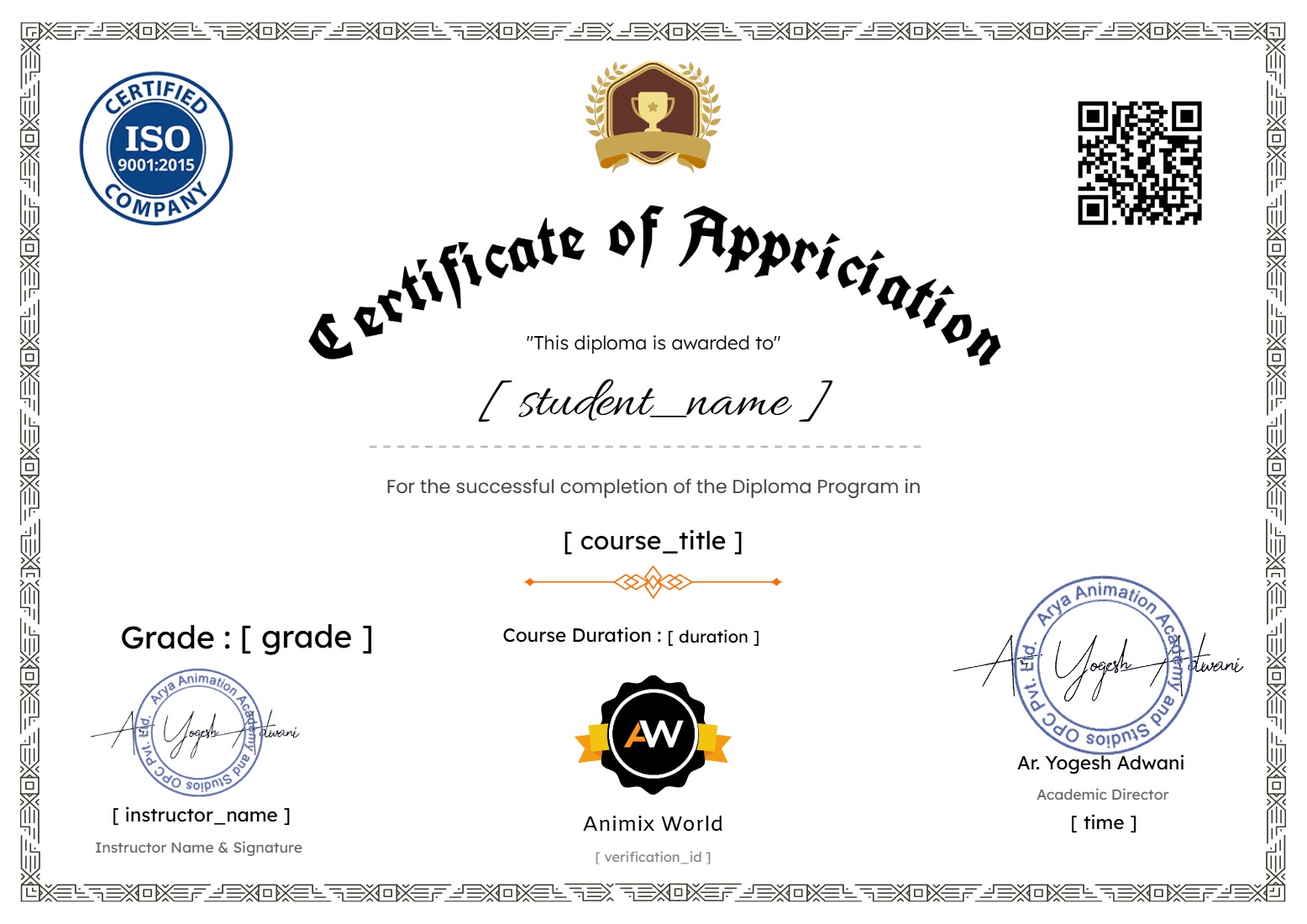
Earn a certificate
Add this certificate to your resume to demonstrate your skills & increase your chances of getting noticed.
Student Ratings & Reviews